

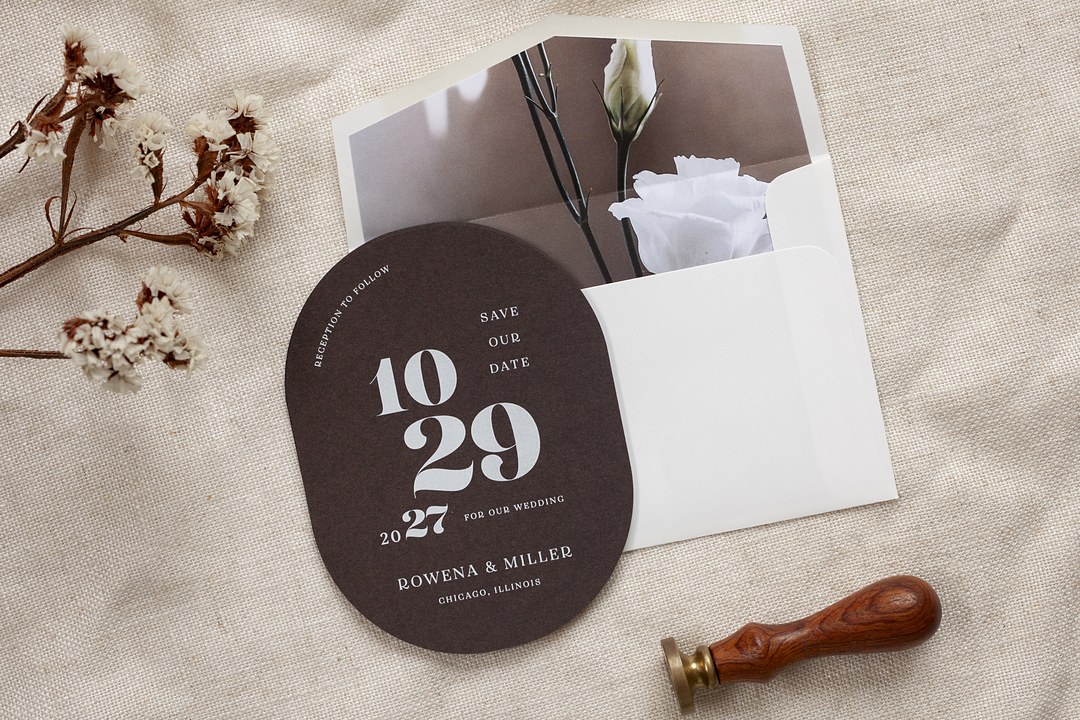
- A save the date template is a predesigned layout you customize with your names, date and city.
- Design can be free, but printing and postage cost money.
- Every card needs both names, the date, the city, and “invitation to follow.”
- A 5 x 7 card is the most common size and fits an A7 envelope.
- Send local save the dates 6 to 8 months ahead; destination and holiday dates need 8 to 12.
- The three print routes are at home, local shop, and online print, each with a different finish.
The engagement photos are still on your phone, and your cousin has already texted three times asking for the date. You want to get something out this month, but paying for a custom design before flowers, catering and a venue deposit feels like the wrong order.
A save the date template gives you the structure. You open a layout, drop in your names, date and city, and send it. The design can be free; the printing and postage are not.
This guide walks through the free options, five template styles, exactly what to write, twelve wordings you can copy, standard sizes and the three ways to print it.
What a save the date template gives you and what free covers
A save the date template is a pre-designed layout with placeholder text and often a photo slot. You replace the placeholders with your own names, date and city instead of starting from a blank page. It gives you the structure; the rest is your information.
Templates come from three places. An online design tool lets you edit the template in the browser. A downloadable file opens in Photoshop or another editor and becomes a PDF for print. A stationer’s site lets you personalize one of its card layouts and order the printing at the same time.
The cost picture is simple. The design can be free. Printing and postage are paid if you mail physical cards. If you send the same design digitally by email or text, neither printing nor postage is involved.
Free save the date template sources
Free save the date templates fall into three camps: online design tools, downloadable files, and the document app you already use. Each one fits a different comfort level.
Online design tools
Canva has a large library of free save the date templates you can edit in the browser with an account. Before you choose one, check three things: whether the design has a watermark, whether the desirable elements are locked behind a paid plan, and which download format you can access. The PDF Print option gives you a 300 dpi file with bleed and crop marks, which is what a shop or online printer wants to see. Our guide to designing wedding stationery in Canva walks through setting it up cleanly.
Downloadable files
Paperlust has a set of ten free Photoshop save the date templates in an older blog post. The free download includes the PSD files and their fonts: five wedding designs with three cards and two postcards, plus five for family reunions, holiday parties and class reunions. You will need Photoshop or another editor that can open layered PSD files, so this route suits you if you already work in that program. Download the set from the free Photoshop save the date templates post.
A word processor or presentation app you already own
A text-only design is enough if you want a simple card, and a document or slide file can do that without learning new software. Set the page to your card size, center the lines, and use one or two fonts. The limit is image handling: photo edges, bleed and precise cropping are harder than in a design tool, so keep this route for clean wording rather than a full-bleed photo.
Five template styles and their checkpoints
The five save the date template styles are photo, minimalist, calendar, magnet and postcard. Each one works for a different kind of couple, and each has one detail to check before you waste a print run.
Photo
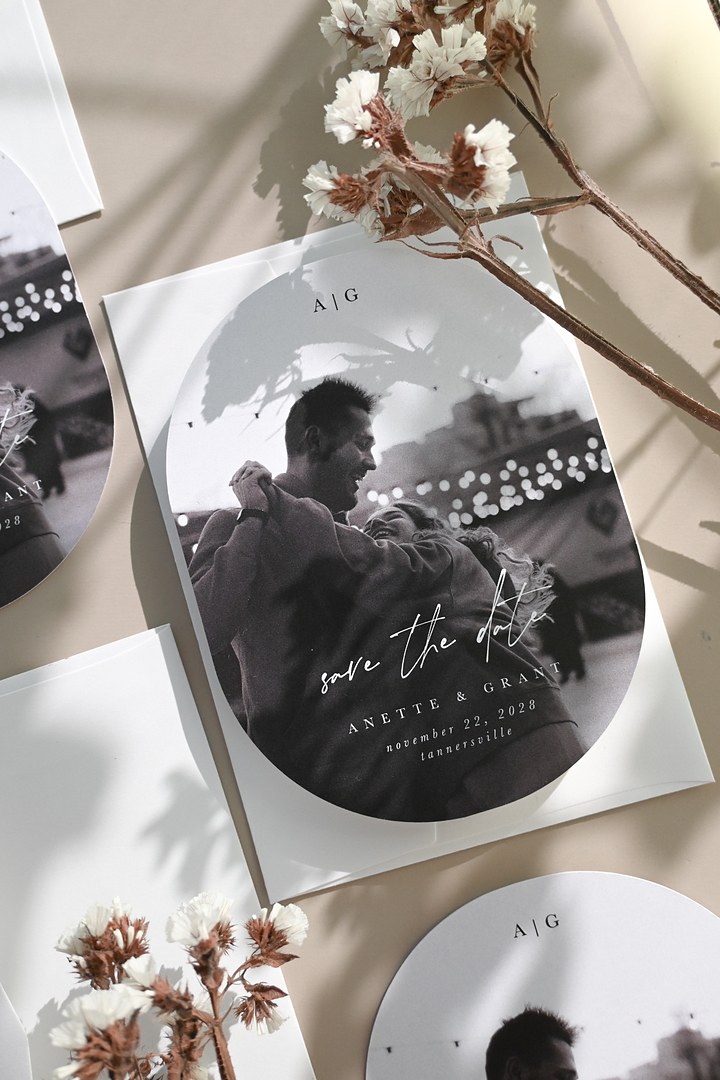
A photo save the date centers your engagement picture, usually with the date and city placed over or below the image. It suits couples with a clear favorite image and a design that can lean on it. Before you commit, check that the image file is at least 300 dpi at the final printed size; a lower resolution prints blurry. For fresh framing ideas, try these photo save the date ideas.
Minimalist
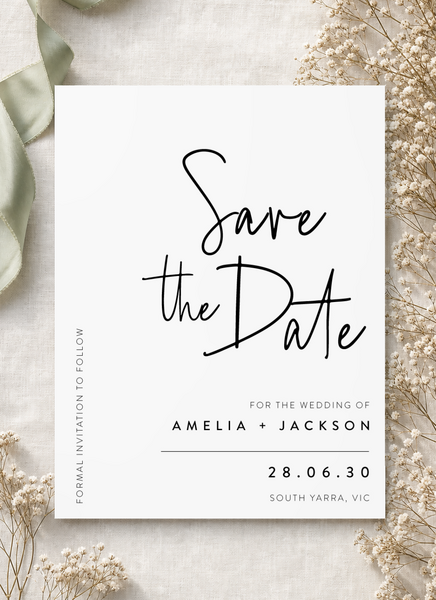
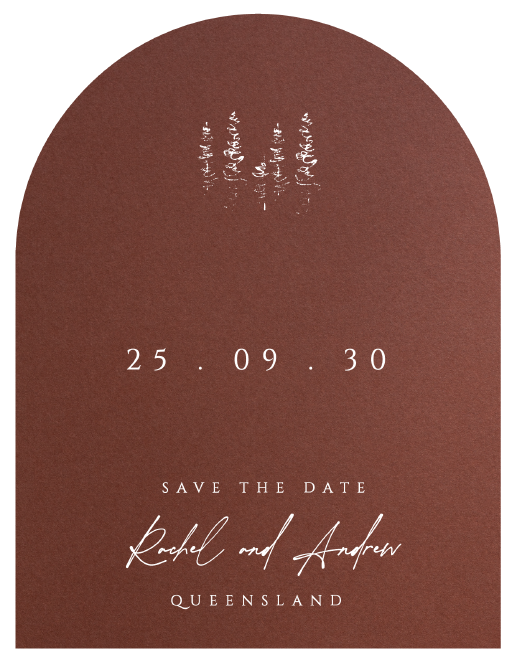
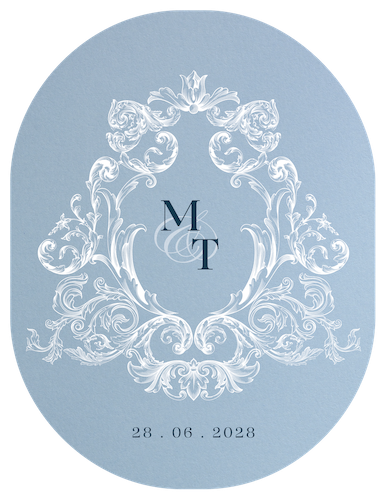
A minimalist design is mostly type on open space, maybe with a monogram or a single rule. It fits quiet, formal or modern weddings and couples who do not want a photo at all. Check the body text at a glance: names and the date should be legible from across a kitchen, not just from your nose.
Calendar
A calendar design places the date inside a small month grid with the right day circled or shaded. It gives a graphic focal point without needing a photo, so it suits couples who want visual interest but no engagement portrait. Check that the marked square is impossible to miss; at 5 x 7 inches, a thin outline can fade into the grid.
Magnet
Save the date magnets stay on the fridge and suit couples who want the reminder to survive the mail pile. Paperlust offers the magnet backing only on certain eligible card designs, not on every design in the catalog. The added thickness and weight mean taking one finished sample to the post office to check the rate before buying stamps.
Postcard
A postcard design has the artwork on the front and an address-safe back, and it mails with no envelope. It suits couples who want a short, modern send. Check the back layout before you order: the message must sit at the top and leave a clear rectangle for the address, and the finished size must stay within the USPS postcard limits if you want that rate.

What to put on a save the date
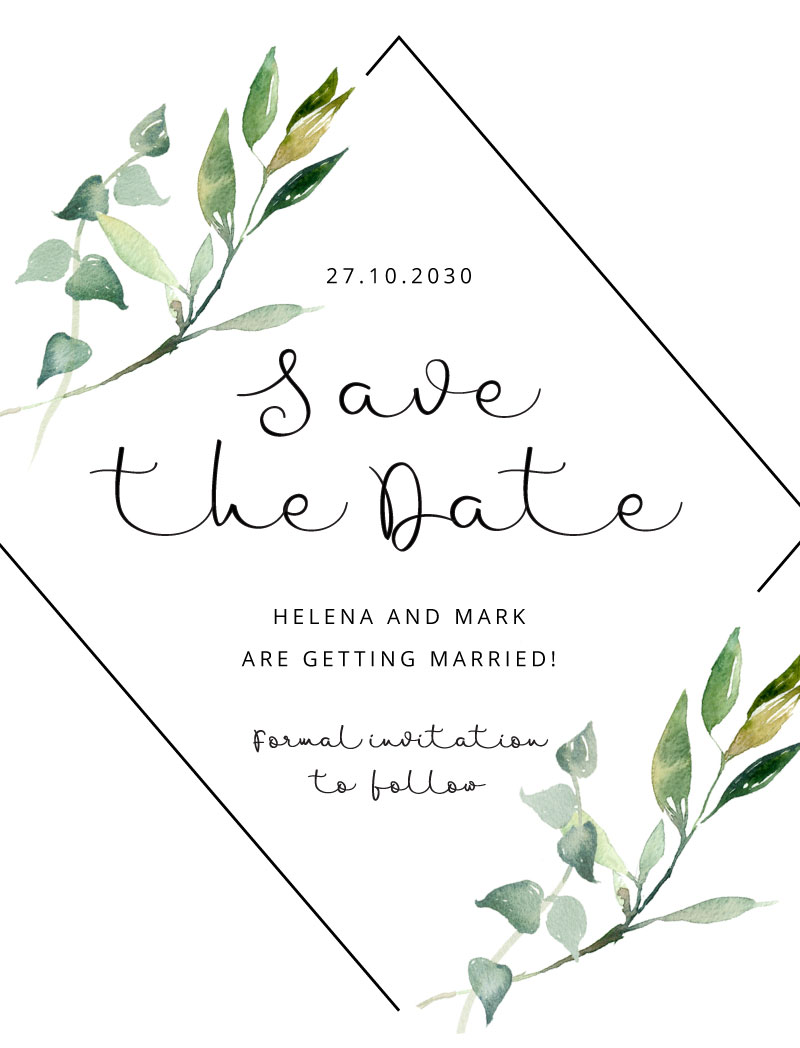
Every save the date needs four things: both names, the date, the city and state or country, and a line that a formal invitation will follow.
- Both names, so guests recognize who is getting married.
- The day of the week, month and day, written out or numeric.
- The location as a city and state, or a country when guests will travel abroad.
- The words “invitation to follow” so guests know more details are coming.
- A wedding website, if you have one and want a single place for travel and accommodation updates.
Leave the venue street address, ceremony time, registry and RSVP request off the card. Those belong to the invitation.
Order one card per household or mailing address, and send it only to people who will also receive the invitation.
Save the date wording examples to copy
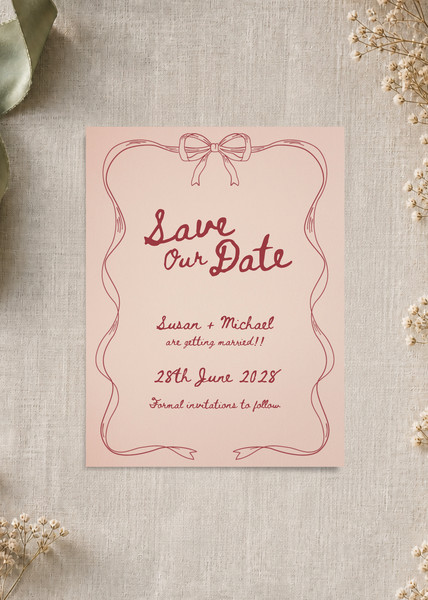
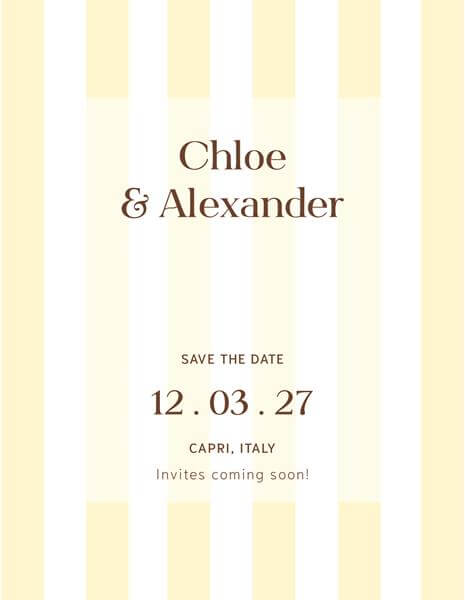
Use this save the date wording bank as a starting point. The save the date examples below each give you a different structure, and every one includes the names, date, city and invitation line unless the style says otherwise. For more phrasing ideas, read the save the date wording guide.
Classic formal For a traditional guest list and a black-tie feel:
kindly request that you save the date
Saturday, June 14
Austin, Texas
Formal invitation to follow
Simple modern A clean card with fewer words:
Saturday, September 6
Louisville, Kentucky
Invitation to follow
Photo card caption Short enough to sit over the picture:
hold this date
Friday, October 10
Seattle, Washington
Invitation to follow
Funny A light version with a running joke in the couple:
Saturday, July 19
Charlotte, North Carolina
Formal invitation to follow
Destination with travel note For a wedding outside your home city:
Thursday, May 8
Puerto Vallarta, Mexico
Invitation and travel details to follow
Holiday weekend For a date guests may need to book early:
Hannah and Marcus will marry
Saturday, August 30
Charleston, South Carolina
Formal invitation to follow
Venue undecided When the date is set but the location is not final:
Saturday, November 15
Chicago, Illinois
Venue details to follow with the formal invitation
With a wedding website To point guests to one detail hub:
Saturday, April 12
Nashville, Tennessee
Travel details at juliaandevan.wedding
Formal invitation to follow
Postcard back, short Space is tighter because the address sits below:
Friday, June 21
Portland, Oregon
Invitation to follow
Magnet, shortest possible A fridge reminder with only the essentials:
Saturday, June 6
San Diego, California
Invitation to follow
Second marriage or blended family A phrasing that includes the family:
invite you to save the date
Saturday, March 14
Savannah, Georgia
Invitation to follow
Email or text message A plain digital version that sounds typed on a phone:
Save the date card sizes and file formats
The most common save the date size is a 5 x 7 card, which fits an A7 envelope measuring 5 1/4 x 7 1/4 inches. A 4 x 6 postcard comes next.
| Format | Card size | Envelope | Mailing note |
|---|---|---|---|
| Card | 5 x 7 inches | A7, 5 1/4 x 7 1/4 inches | Mails at letter price |
| Card | 4 1/4 x 5 1/2 inches | A2, 4 3/8 x 5 3/4 inches | Mails at letter price |
| Postcard | 4 x 6 inches | No envelope | USPS postcard price if within size limits |
| Magnet | No one standard size; choose an eligible card design | Match the card envelope | Check postage with your postal service |
For USPS postcard pricing, the finished card must be rectangular, at least 3 1/2 x 5 inches and no more than 4 1/4 x 6 inches. Anything larger mails at the letter price.
For printing, send a PDF at 300 dpi at the final size. If color runs to the edge, add a bleed of 3 mm (about 1/8 inch) on all sides and keep text inside the trim. For email or text, save a JPG or PNG instead.
When to send save the dates
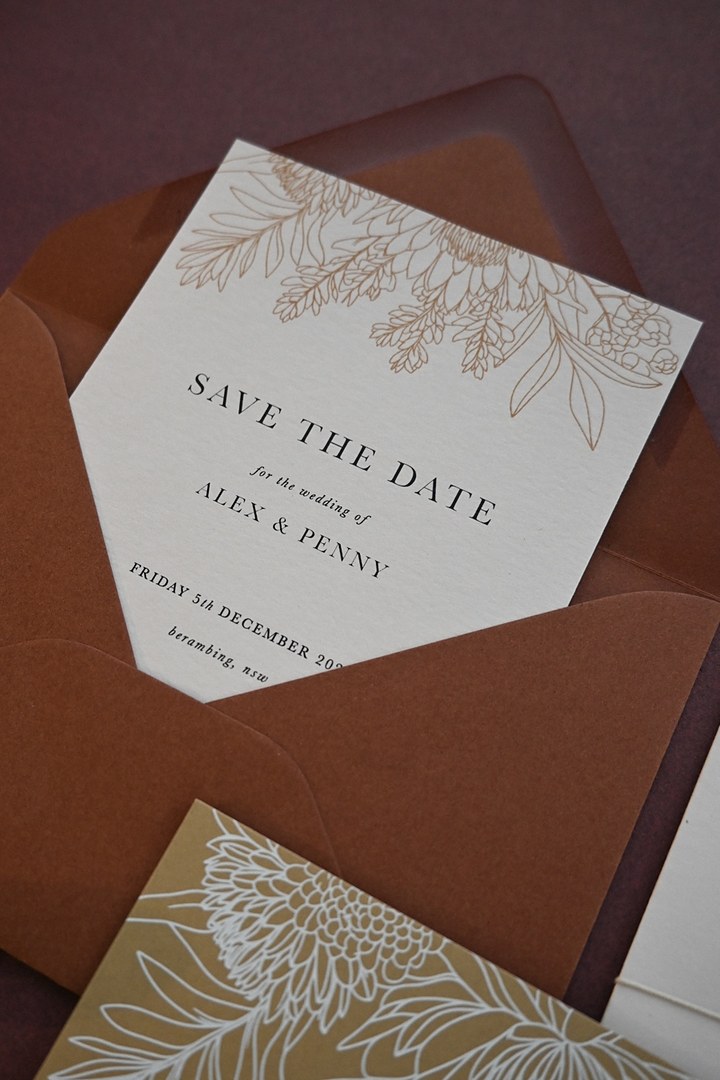
The usual advice for when to send save the dates is six to eight months before a local wedding. Some guides allow four to six months. For destination weddings and holiday weekends, eight to twelve months gives guests time to arrange travel and time off.
Start at the day you want envelopes in the mail, then count back through printing, proofing or test printing, and template edits. Build in time to finalize the design, check a proof or test print, print and receive the cards, and address them. If a designer is reviewing your layout, allow for the proof step before printing starts. For a fuller plan, read our timeline guide on save the dates.
Three printing routes compared
A printable save the date can go through one of three routes: home printing, a local print shop, or an online stationery print order. The route changes the finish, the work and the cost, so choose before you finalize the file format.
Print at home
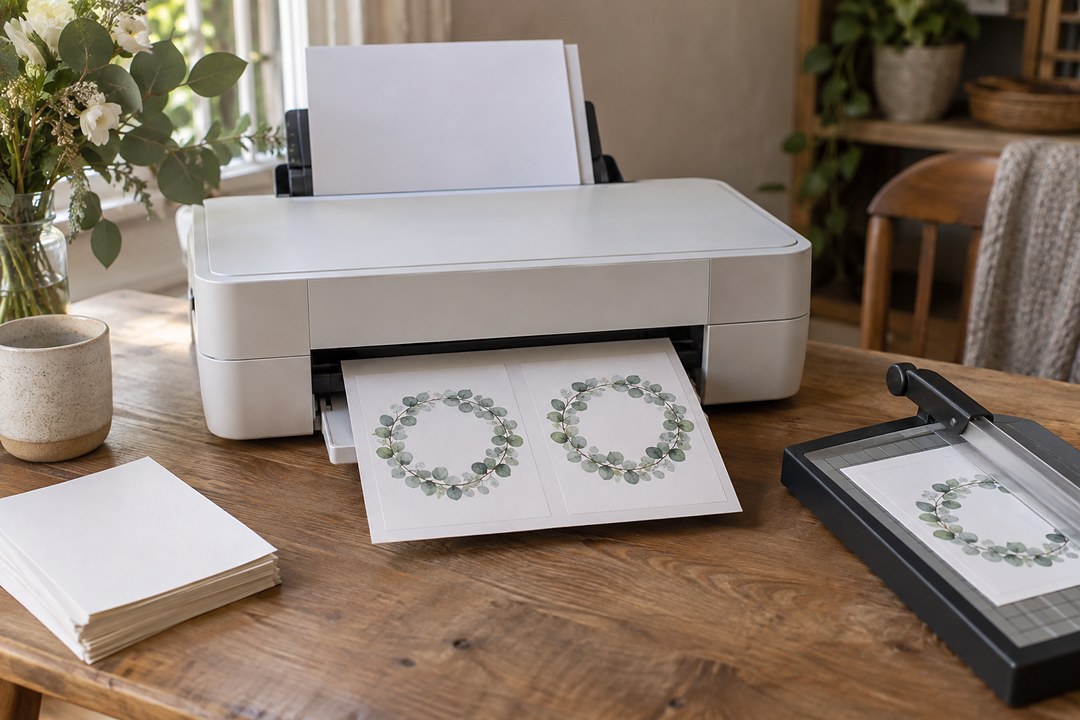
Most inkjet printers take cardstock up to about 80 lb cover (about 216 gsm), and some accept 110 lb cover (about 300 gsm); check the printer manual before you shop. Choose the cardstock or heavy paper setting, and send each sheet through individually. Run one practice print before the full batch, then set up your pages with crop marks. Two smaller cards can usually sit on one letter-size sheet, and a paper trimmer gives a far straighter edge than scissors. If you print on both sides, check the backs line up before you commit the whole stack.
Local print or copy shop
Bring a PDF at 300 dpi at final size and add a 3 mm (about 1/8 inch) bleed on every side that carries color to the edge. Ask to see the cardstock samples before printing, and confirm the shop will trim the cards rather than handing you a sheet to cut. A common snag is a file without bleed: the shop prints what you give them, so a missing margin becomes a white sliver.
Order printed from a stationer
Upload your own file or personalize one of the stationer’s designs online, and a designer reviews the layout before printing starts. This is the route that catches spelling and color problems before you pay for paper. Paperlust follows this proof pattern, and you can read more in our guide to printing your own wedding stationery.
| Route | Cost | Effort | Finish | Best for |
|---|---|---|---|---|
| Print at home | Lowest upfront | High | Depends on your printer | Small guest lists and tight schedules |
| Local print shop | Low to medium | Medium | Even color and clean trim | Designs with full-bleed color |
| Order printed online | Higher | Low | Professional with proof | Couples who want a designed finish |
| Send digitally | None | Low | On screen only | Email and text announcements |
If you go the physical route, keep a few extra sheets beyond your guest list count for addressing mistakes and printer errors. A digital version sent by email or text skips printing and postage entirely.
Editing a design online and ordering it printed
The online ordering route turns a save the date template into printed cards without you exporting files or running a printer at home. You choose a layout from the catalog and personalize it with your details; the design and proof cost nothing extra, while printing is paid.
- Open the Paperlust save the date card designs and choose a layout. Every design is a template you can personalize online.
- Replace the placeholder text with your names, date and location, and add a photo on photo designs in the customize tool.
- Add a back side if you want an extra photo or message; it is optional in the customize tool.
- Review the free digital proof. Check each name letter by letter, confirm the date against a calendar, and read the city and state aloud. A designer sends the first proof in about one to two business days after ordering.
- Approve the proof. Production starts after your approval. The cards are printed in Melbourne, Australia and delivered internationally.
Digital, flat foil, letterpress, foil stamp and white ink are the print methods. Minimum orders start at 10 for digital, white ink and flat foil, and at 50 for letterpress and foil stamp. Every design has a matching wedding invitation, so the invitation can echo the save the date later.

Mistakes to catch before you print
The most common mistake is dropping a low-resolution phone photo into a card and discovering it prints fuzzy.
- Low-resolution photo. Use an image that is at least 300 dpi at the printed size, and choose a clean, well-lit original.
- Three or more typefaces. Stick to one or two fonts and use weight or spacing for contrast instead.
- No bleed. If color runs to the edge, add bleed of roughly 1/8 inch on every side so trims do not leave a white rim.
- Paper too thin. Choose a cardstock weight your printer or print shop can handle so the card does not feel flimsy in the hand.
- A size with no matching envelope or wrong postage. Pair the card with an envelope 1/4 to 1/2 inch larger, and confirm the postage class before ordering.
- Sending to people who will not be invited. Save the dates go only to the invitation list, one card for each invited address.
Check each point before you approve the proof or press print, and the template will look intentional rather than home-printed.
Frequently asked questions
Do truly free save the date templates exist, and what is the catch?
Truly free save the date templates do exist. Online design tools such as Canva offer free designs, though some elements sit behind a paid plan and some sites add a watermark. Downloadable free files may require Photoshop. The catch is not the design; printing and postage cost money, and a digital send avoids both.
Can I print save the dates at home, and on what cardstock?
Yes. Print at home on cardstock your printer can handle, usually up to 80 lb cover and sometimes 110 lb cover. Check the manual, select the heavy paper setting, feed one sheet at a time, and run a test sheet first. A paper trimmer gives a cleaner edge than scissors.
What size should a save the date be?
A 5 x 7 card is the most common and fits an A7 envelope. A 4 x 6 postcard comes next and mails without an envelope. A 4 1/4 x 5 1/2 card fits an A2 envelope. Keep the envelope about 1/4 to 1/2 inch larger than the card.
Can a save the date be sent by email or text?
Yes. An image sent by email or text is accepted, and it avoids printing and postage costs. Save the file as a JPG or PNG at the resolution it will be viewed on screen. You can also mix methods: email some guests and mail cards to others who prefer paper.
How many save the dates should I order or print?
Count invitations by address, not by head count: one card for each household on the guest list. Then add spare cards for address mistakes, last-minute additions, print errors and a keepsake. A small buffer is cheaper than ordering a second print run later.
Does the save the date have to match the wedding invitation?
It is helpful, not required. A pair can share a typeface or a color without using the same layout. Guests notice consistency more than exact matching, so a simple save the date followed by a coordinating invitation is enough. If you want a set, many save the date designs have an invitation that pairs.
Can a Canva design be professionally printed?
Yes. Download the design with the PDF Print option, which gives a 300 dpi file with bleed and crop marks. Keep the text inside the trim, and send that PDF to a local shop or an online printer. A test proof helps catch unexpected color shifts before the full run.
What if the venue is not booked yet?
You can still send it. The date and city are enough, along with both names and an invitation-to-follow line. Guests mainly need the day and place to plan travel and time off. Leave the venue street address and ceremony time for the formal invitation.