
Favor tags are one of the few wedding details your guests carry home. They sit on the fridge or tucked in a wallet long after the reception ends. Getting them right matters, and getting them free is entirely possible if you know where to look.
This guide walks through where to find genuinely free printable favor tag templates, what separates a useful template from a frustrating one, how to edit and print them at home, and when professional printing is the smarter call. For a broader look at favor tag ideas and wording, the full pillar guide at Wedding Favor Tags: Ideas, Wording and Templates covers the territory at length. This post focuses specifically on the free-printable path.
- Best free source: Canva’s wedding tag library is the easiest starting point. No subscription required for hundreds of designs.
- Check before downloading: the file is editable (not a locked JPEG), cut lines are marked, and dimensions match your punch size (2 x 3.5 in or 1.5 in circle are most common).
- Home printer cardstock limit: most consumer inkjets handle up to 80 lb (216gsm) reliably. Heavier stock causes jams or adhesion problems.
- Best cutting tool: a paper trimmer for rectangular tags, a circle punch for round ones. Cutting circles with scissors produces irregular edges visible when tags hang together.
- Hole placement matters most: use a ruler jig so the hole lands in the same spot on every tag. Uneven holes are the fastest tell on a DIY batch.
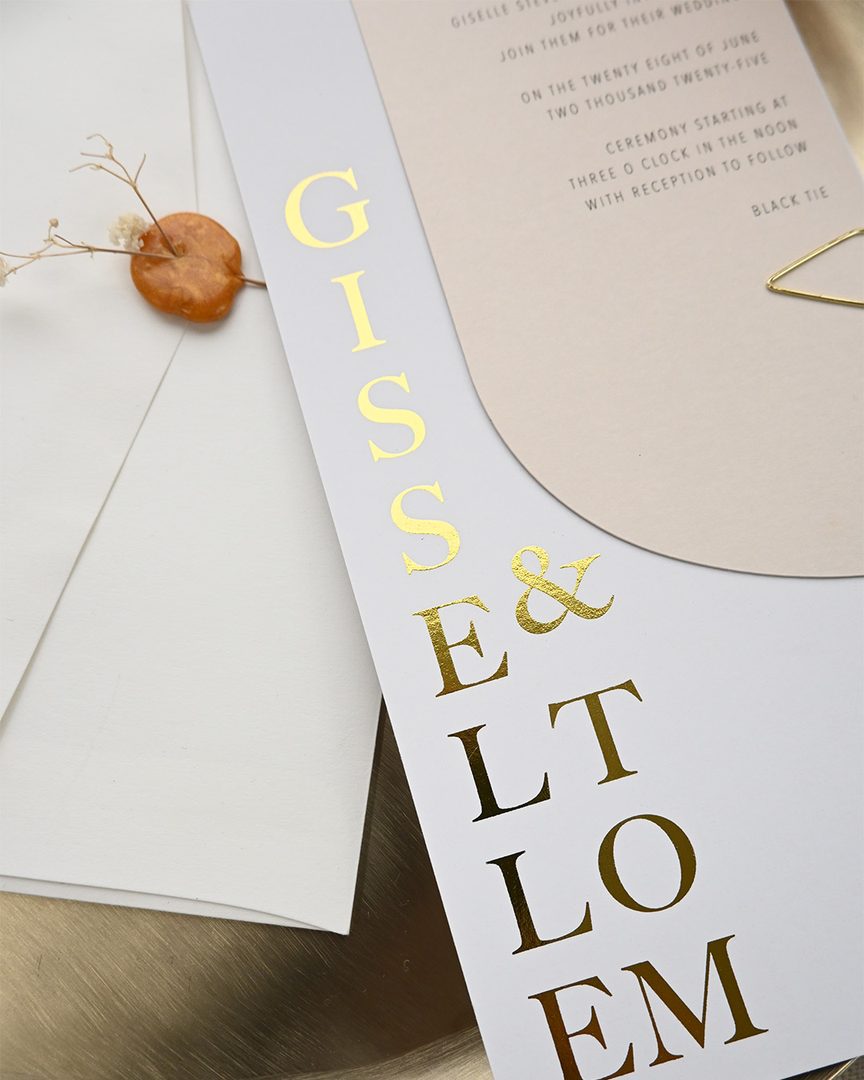
- When to upgrade: if your invitations have foil, a home-printed tag on 80 lb cardstock reads as a mismatch next to 380gsm foil stationery. The weight difference alone is felt in your guests’ hands.
- Attachment shortcut: pre-cut all twine or ribbon to the same length before assembly. Inconsistent tail lengths are the second most common DIY tell.
Where to Find Free Printable Wedding Favor Tag Templates
Canva
Canva’s free plan includes hundreds of wedding tag templates that you can edit directly in the browser without software or a subscription. Search “wedding favor tags” or “thank you tags” in the Canva template search, then filter by style or color palette.
Click any text element to change names and dates. Use the color picker to enter your invitation hex code and match your palette. Download as PDF Print, which exports at print resolution without manual DPI configuration.
One thing to watch: if your design has a background color intended to reach the tag edge, extend it fully to the canvas edge. Otherwise a thin white sliver appears at the cut line once you trim.
Etsy Free and Paid Listings
Etsy has a genuine (if small) category of free wedding favor tag downloads, typically offered by designers as shop introductions. Search “free printable wedding favor tags” and look for $0.00 listings. Most are complete usable designs rather than stripped preview samples.
Paid Etsy templates run $4-$8 and often match a full invitation suite from the same seller. If your invitations came from an Etsy designer, check their shop first. A matching favor tag template often exists for under $5 sharing the exact fonts and florals.
Etsy templates for tags usually deliver via Corjl, Templett, or a Canva share link, all browser-based editors that let you swap names and dates without design software.
Template Sites
Sites like Template.net, WedBuddy, and Instant Download Printables carry free favor tag templates in Word and editable PDF formats. Quality varies. Before downloading from any of these, confirm:
- The file is editable, not a flat image
- Dimensions are stated explicitly
- The layout fits multiple tags per 8.5 x 11 in (216 x 279mm) letter sheet
Designer Freebies and Email Opt-ins
Some independent stationery designers offer one or two favor tag designs as newsletter opt-ins. The quality here tends to be higher than mass template directories because the designer is using the freebie as a portfolio piece. Expect a fillable PDF, not a fully editable template, and plan to trade your email address for the download link.

What a Good Printable Template Includes
Cut Lines
Home printing does not require bleed the way professional commercial printing does, you trim the tags yourself from full letter sheets. But cut lines (dashed or thin solid guides) are essential. Without them, you are estimating the edge on every cut. Round tags especially need a dotted circle border on the sheet as a cutting guide; a template that assumes you will eyeball a circle is much harder to work with.
Editable Text vs. Locked Formats
A good template lets you enter your names and date without hand-writing them after printing. In order of ease:
- Canva templates: edit in browser, no software needed
- Corjl or Templett links (common on Etsy): browser editor, often paired with paid listings
- Editable PDF: open in Acrobat Reader, fill in text fields
- Word (.docx): edit in Microsoft Word or Google Docs
A locked PDF or flat JPEG has text baked in. This only works for generic text like “Thank You” with no personalization.
Correct Dimensions
Standard favor tag sizes:
- 2 x 3.5 in (51 x 89mm): most versatile rectangular hang tag, same footprint as a standard business card
- 2 x 1.5 in (51 x 38mm): compact tag for seed packets or matchboxes
- 1.5 in circle (38mm): popular for honey jars and candles
- 2 in circle (51mm): larger circle for longer wording
Confirm the template’s stated dimensions before downloading. Resizing a PDF after the fact often misaligns cut guides.
How to Edit and Personalize Your Template
Editing in Canva
Click any text block to replace names and dates. To match your palette, enter the hex code from your invitation design in the color picker. Before downloading, zoom to 100% and check the spelling of both names, typos at full-page zoom are easy to miss on a 2 x 3.5 in element. Download as PDF Print.
Editing via Corjl or Templett
After purchasing or downloading an Etsy template, you receive a browser link to the editor. Click text fields, adjust colors via palette selectors, and download as a PDF when done. Save the finished file locally, your access lives on the platform’s server, not on your computer.
Template Sources: Free vs. Paid vs. Custom
| Source | Cost | Editability | Home print quality | Best for |
|---|---|---|---|---|
| Canva free templates | Free | Full browser editing | Good on 80 lb cardstock | Most couples, any style |
| Etsy free downloads | Free | Varies (editable or locked) | Good if vector or 300 DPI | Specific style match |
| Etsy paid templates | $4-$8 | Full (Corjl or Canva) | Good to excellent | Suite-matching, cohesive look |
| Template sites (Word/PDF) | Free | Limited | Adequate for simple designs | Budget-first, plain wording |
| Print My Own Design service | Printing cost only | You supply the finished file | Professional press quality | Own design, real stock, foil options |
| Paperlust gift tags (designed + printed) | From catalog pricing | Paperlust designer handles it | Professional (foil, digital) | Suite cohesion, specialty finishes |
Printing Your Favor Tags at Home
Cardstock Weight and What Your Printer Can Handle
Most consumer inkjet printers feed cardstock up to 80 lb (216gsm) reliably. Some handle 90 lb (240gsm). Above that, jams and ink adhesion issues become common. For favor tags, 80 lb is the practical target: heavy enough to hold a hole punch cleanly without tearing, light enough for your printer to manage.
If you want heavier tags at 110 lb (300gsm) or above, print at a local copy shop using commercial equipment that handles heavier stock routinely.
Always run a single test print on your actual cardstock before the full batch. Home inkjets frequently output colors slightly warmer or cooler than what you see on screen. A 5-10% brightness adjustment in Canva can correct for this after the test.
Printer Settings
Set your paper type to “Cardstock,” “Heavyweight,” or “Labels” in your printer dialog. This tells the printer to slow the feed and apply more consistent passes. Feed heavy cardstock from the manual feed tray or rear slot if your printer has one, this creates a straighter paper path with fewer bends.
Leave printed sheets to dry for at least 30-60 minutes before cutting. Stacking freshly printed inkjet sheets causes the design to transfer to the back of the sheet above.
Cutting Cleanly, Trimmer vs. Scissors vs. Circle Punch
A rotary or guillotine paper trimmer handles rectangular tags efficiently. Set your guide to the cut line width and run each sheet through with a consistent motion. A full letter sheet with 8-10 tags takes about three to four cuts.
For circle or round tags, a circle punch in the correct diameter is worth buying. A 1.5 in (38mm) or 2 in (51mm) punch cuts clean consistent circles in a single press. Cutting circles freehand with scissors produces slightly irregular edges that are obvious when 60 tags hang together at a favor display. Circle punches cost $8-$18 at craft stores and pay for themselves on any batch of 50 or more tags.
Hole Placement, Use a Jig
The single detail that separates a polished DIY batch from an obviously homemade one is where the hole lands on each tag. Make a positioning jig from a folded strip of scrap cardstock with a pencil mark at the hole position. Lay the jig against each tag before punching. Every hole lands in exactly the same place.
Use a 1/8 in (3mm) hole punch for most attachment methods including jute twine, thin ribbon, and bakers twine.
Attachment Methods: Twine, Ribbon, and Styling
The attachment completes the tag’s design.
Natural jute twine suits rustic, barn, and boho themes. Cut to 6-8 in (15-20cm), fold in half, thread through the hole, and loop through itself for a clean knot.
Thin satin ribbon in your wedding color suits romantic and formal receptions. A 1/8 in (3mm) ribbon ties into a small bow without adding bulk.
Bakers twine in a two-color combination adds visual texture and photographs well in flat lays. Available in most wedding color pairings.
Pre-cut all attachment lengths to the same measurement before the tying session. Inconsistent tail lengths across a large batch are the second most common DIY tell after uneven holes.
When Professional Printing Is Worth It
Free printable templates on home cardstock suit small quantities, rustic aesthetics, and tight budgets. Professional printing earns its cost when:
Your invitation suite has foil, letterpress, or specialty finishes. A home-printed 80 lb tag placed alongside 380gsm foil-stamped stationery reads as mismatched, the weight difference alone is felt when your guests hold both. Coordinated foil favor tags from the same printer as your invitations keep the suite cohesive from ceremony to favor table.
You are making more than 80 tags. The cutting and hole-punching time for a large batch is real. A professional order arrives pre-cut on press-quality stock, with consistent color across every single tag.
You want a finish home printing cannot produce: flat foil text in gold, silver, or rose gold; white ink on kraft or dark stock.
Paperlust’s Print My Own Design service is built for the couple who has a finished design file and wants it printed on real stationery stock. Upload your file, choose your paper and quantity, and a digital proof comes back within 1-2 business days before any printing begins. The service prints on the same stocks available across the full gift tags collection.
For a coordinated reception look, favor tags pair naturally with wedding stickers and seals used on favor packaging and envelopes, and link up to the full wedding invitation suite if you are building a cohesive stationery set from a single designer.
Frequently Asked Questions
What is the standard size for printable wedding favor tags
The most common rectangular size is 2 x 3.5 in (51 x 89mm), which shares the footprint of a standard business card and fits most hole punches and trimmer guides. Circle tags are most often 1.5 in (38mm) or 2 in (51mm) in diameter. For small favors like seed packets, a compact 2 x 1.5 in (51 x 38mm) tag keeps the tag proportional to the item.
What cardstock weight should I use for printing favor tags at home
80 lb (216gsm) cardstock is the best starting point for most home printers. It is substantial enough to hold a hole punch without tearing and light enough for consumer inkjets and lasers to feed reliably. For a heavier tag, use a local print shop with commercial equipment that handles 100 lb (270gsm) or heavier stock without issue.
Can I edit a Canva wedding favor tag template without a paid subscription
Yes. Canva’s free plan includes hundreds of wedding tag designs that you can edit in the browser at no cost. You can change text, swap fonts from the free font library, and adjust colors. Elements marked with a crown icon are Pro-only. Swapping them for free elements or using a different template keeps the full design accessible on the free plan.
Do free printable favor tags look as good as professionally printed ones
For simple digital designs on white or cream cardstock, a well-executed home print is hard to distinguish from a basic professional digital print. The gaps open up on finish (home printers cannot produce foil text or white ink on dark stock), paper weight (home cardstock is lighter than professional stationery), and color consistency across large batches. If your invitations have foil or specialty finishes, the contrast between a home-printed tag and professional stationery will be visible.
How far in advance should I print DIY wedding favor tags
Print 2-4 weeks before the wedding. This gives time to catch color issues, run a second batch if needed, and complete cutting and hole-punching without rush. Inkjet ink on cardstock needs at least 60 minutes to cure before handling. Do not stack freshly printed inkjet sheets before the ink sets, as designs can transfer between sheets.
Can I use Paperlust’s Print My Own Design service if I already have a finished design file
Yes. Upload your completed file, choose your paper stock and quantity, and Paperlust’s print team reviews the file and returns a digital proof within 1-2 business days. If there are setup issues, they are flagged at the proof stage before printing begins. You approve the proof before production starts. Orders over $350 USD qualify for free DHL Express international shipping.
What is the best hole punch size for wedding favor tags
A 1/8 in (3mm) hole punch suits most attachment methods including jute twine, thin satin ribbon, and bakers twine. Use a paper jig or ruler guide to position the hole in exactly the same spot on every tag. Inconsistent hole placement is one of the most visible differences between a polished DIY batch and a professional-looking result.
What attachment method works best for wedding favor tags
Natural jute twine suits rustic and boho themes. Thin satin ribbon in your wedding color suits romantic and formal receptions. Bakers twine in a two-color combination adds visual texture and photographs well. Pre-cut all ribbon or twine to the same length before tying. Inconsistent tail lengths are the second most common tell on a hand-assembled batch.
What is the difference between a wedding favor tag and a gift tag
The terms are used interchangeably. Favor tags attach to items given to all guests at the reception. Gift tags go on individual gifts such as bridal party presents. The design, dimensions, and printing process are identical. The Paperlust gift tags collection serves both uses.
Love your design? Let us print it.
Upload your artwork and our print team quotes you within 24 hours, letterpress, foil, or digital, on luxe paper with premium envelopes included free.