

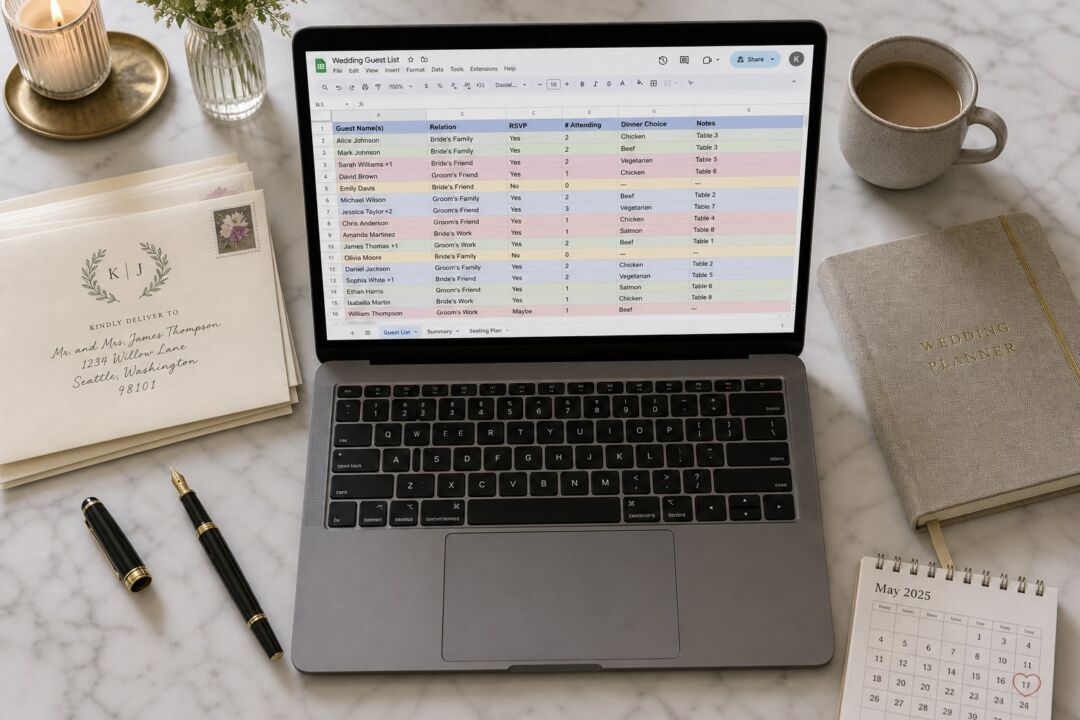
A wedding guest list sounds simple: names, a rough count, a sense of who gets an invite. The hard part is that the spreadsheet has to do five jobs at once. It tracks who is invited, who has responded, who needs a specific meal, who is bringing someone, and it has to produce a clean address list you can use when your envelopes are ready. A spreadsheet built for one of those jobs tends to fail at the others.
The column set below handles all five. Set it up correctly at the start and you will never hunt down a missing address the night before an addressing session or rebuild your RSVP count from a mix of texts and emails.
- Use one row per household, not one row per person. It controls your invitation count and keeps your addressing clean.
- The Envelope Name column is not the same as First Name plus Last Name. Set it up separately from the start.
- Add a Tier column (A, B, C) before you finalize any names, not after you discover you are over venue capacity.
- Your guest list is your address list. A list built correctly now saves hours at stationery time.
- 21 columns cover every stage from first draft to posted thank you notes.
Household grouping is exactly the format an invitation mail-out needs.
Why household grouping, not one row per person
One row per guest is the obvious starting point. It feels right until you need to count how many invitations to order, or until you realize that one family sharing a house needs one envelope, not four.
Household grouping solves this. Group everyone who shares a mailing address and receives one invitation under a single row. The Okafor family is one row. A couple who live together is one row. A single guest is their own row.
This structure matters for two concrete reasons.
First, it tells you how many invitation suites to order. The number of households is your print quantity. The number of guests is your catering headcount. These are different numbers and they feed different decisions.
Second, it produces clean envelope addresses. When your envelopes go out, the name above the address comes from the Envelope Name column, not from a formula that joins First Name and Last Name. Those are rarely the same thing.
A formal outer envelope for a married couple reads “Mr. and Mrs. James Okafor.” An informal one reads “James and Priya Okafor.” A single guest reads “Ms. Chen.” None of those match a first-name-plus-last-name concatenation from two separate columns. If your spreadsheet is built around individual rows, you will reconstruct every envelope name by hand. If it is built around households from the start, the Envelope Name column carries that work once and it stays done.

The column set, with a reason for each one
Set these up in order before you enter a single name. The table below lists each column, what goes in it, and why it earns its place.
| Column | What goes here | Why it matters |
|---|---|---|
| Household ID | A short label: “Kim Family”, “Sarah Chen”, “Tom & Priya Okafor” | Controls your invitation count; groups people who share one envelope |
| Envelope Name | Exactly as it appears on the outer envelope | The only column your addressing step needs; format it correctly once and it stays correct |
| First Names | Individual first names for every person in the household | Used for place cards, meal tracking, and day-of coordinator lists |
| Last Name | Shared or individual, depending on the household | Sorting and filtering; also useful when first names are common |
| Side | Couple 1 / Couple 2, or Partner A / Partner B | Keeps family dynamics visible during seating and helps balance the room |
| Tier | A, B, or C | The capacity-management mechanism; see the section below |
| Relationship | Immediate family, extended family, close friend, colleague, etc. | Useful when making hard cuts; keeps the reasoning visible |
| Postal Address | Full verified mailing address | The reason your guest list doubles as your address list |
| Primary email for the household | For online RSVPs, reminders, and digital save the dates if relevant | |
| Invited to | Ceremony only / Reception / Rehearsal dinner / All | Not every guest attends every event; tracking it here avoids a separate list per event |
| Plus one allowed | Yes / No | Set this before you send anything; inconsistency here causes friction |
| Children invited | Number of children included, or 0 for adults-only | Affects catering numbers and the venue headcount |
| Save the date sent | Date sent | Confirms which address you actually used; tracks B-list timing |
| Invitation sent | Date sent | Marks when the formal RSVP window opened for each household |
| RSVP status | Attending / Declined / No response | The column you filter most often in the weeks before your deadline |
| Number attending | Confirmed integer | The real headcount; this is what you give your caterer, not the invited count |
| Meal choice | Beef / Chicken / Fish / Vegetarian, or per-person note | Copy this column directly to your caterer and day-of coordinator |
| Dietary needs | Allergies, vegan, gluten-free, halal, kosher, etc. | Separate from meal choice so the kitchen can flag it independently |
| Accommodation | Hotel name, room block reference, or “traveling” | Useful for out-of-town guests and for welcome bag logistics |
| Thank you sent | Date | The last column you fill in; confirms no one was missed |
| Notes | Anything that does not fit above | Plus one names once confirmed, seating requests, travel details |
Twenty-one columns sounds like a lot. Roughly half are completed before the invitations go out; the rest fill in gradually as RSVPs arrive. You never fill all 21 on the same day.
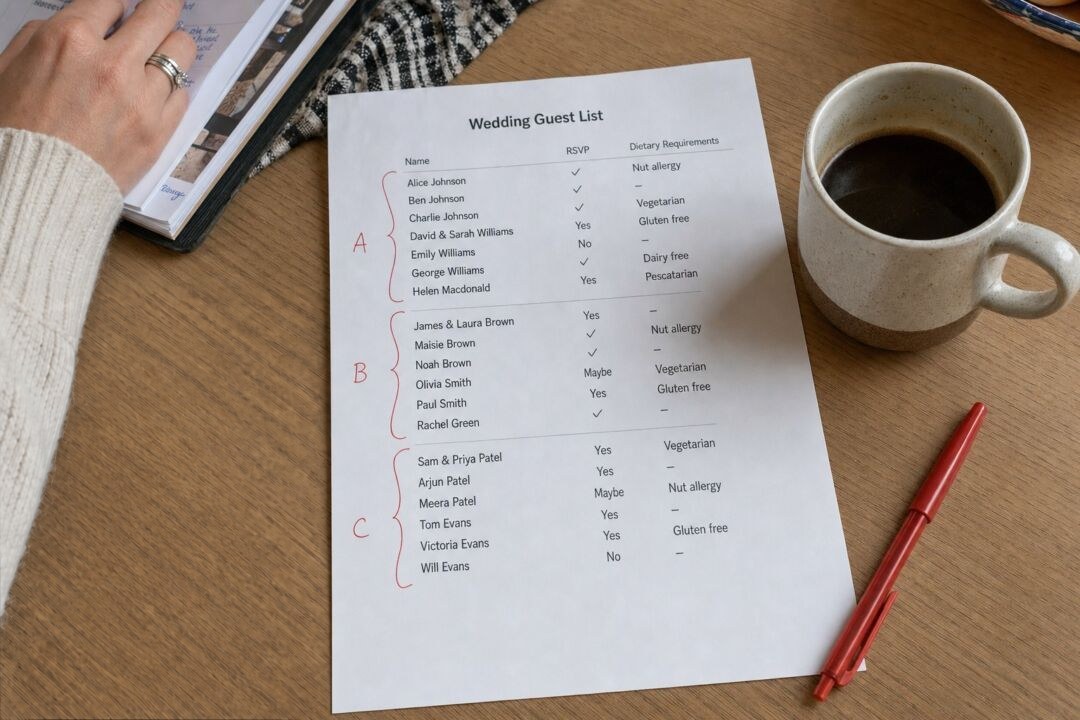
The A list becomes your reception table plan.
Tiering: the mechanism that keeps your list survivable
Every venue has a capacity, and a first-draft guest list almost always exceeds it. Tiering is the tool that lets you manage this before it becomes a problem. The right time to build tiers is at the start, when the list is still a rough draft, not after save the dates have already gone to everyone on it.
Tier A is people whose absence would genuinely change the day for you: immediate family, the closest friends, the people you would feel wrong leaving out of the photographs. Build this tier honestly. Do not pad it with obligation.
Tier B is people you want there and would invite once you know the A numbers work: extended family you see occasionally, colleagues you are close to, friends from an earlier chapter of life who still matter. This is not a backup list in a cynical sense. It is the group you invite when there is room.
Tier C is optional. Some couples use it for acquaintances or guests whose relationship to one partner is uncertain. Many couples find A and B are sufficient.
The mechanism works like this. Send your A-list invitations with a deadline that gives you time to act on declines. As declines come in, invite B-list guests to fill the open spots. Get those invitations out with enough lead time that the guests do not feel like an afterthought. Keep the tier labels inside your spreadsheet. Nobody ever sees which tier they were on.
The practical value shows up when something changes. If your venue calls to say the confirmed capacity is smaller than expected, you sort by Tier C and then by Relationship, and you have a ranked shortlist for any cuts. Doing this with a flat, untiered list is genuinely unpleasant. With a tiered list it is a ten-minute task.

Your guest list is your address list
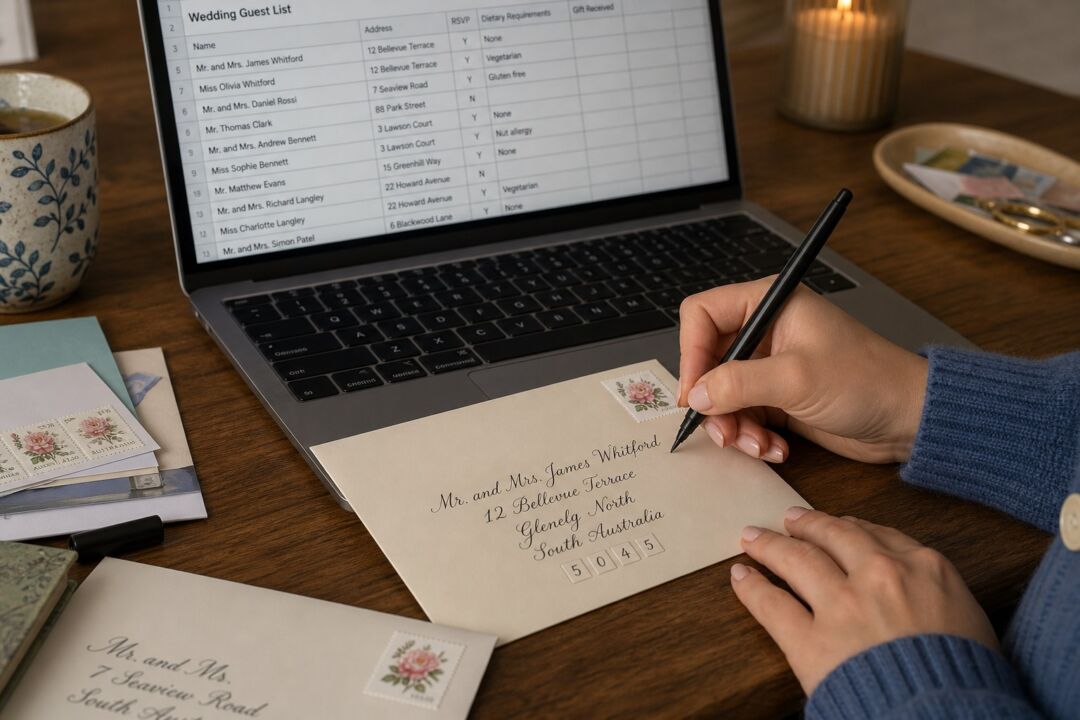
When it is time to address your envelopes, every name and address you need is already in the spreadsheet. The Postal Address column becomes your label source. The Envelope Name column goes above the address. Export as CSV for a mail merge, hand it to your calligrapher, or use it with a printed address service.
This only works if the addresses are clean from the start. A casual note or a partial zip code is not an address. Enter full, verified postal addresses as you collect them, not as a cleanup task you plan to do later.
For couples considering printed wedding invitations, the guest list spreadsheet is the practical starting point for the entire stationery process. Designers and printers work from a complete, accurate guest count and address list. A clean spreadsheet means the stationery stage moves quickly. A messy one creates the kind of delay that pushes your invitation send date into the period where you really needed the invitations to already be in the mail.
Envelope addressing is almost entirely a data problem. The data is in your spreadsheet. Get the spreadsheet right and the envelopes follow.
Invitations, save the dates and place cards from one design family. The $5 sample pack puts seven designs and an envelope in your hands, including real foil and letterpress, so you judge paper and finish off a screen.
Frequently asked questions
How do I decide who to invite to my wedding?
Start with everyone you would invite if there were no constraints, then compare that list against your venue capacity and per-head budget. The gap between those two numbers is what the tier system is for. Immediate family and your closest friends belong on Tier A regardless of the total. Everyone else gets placed by how genuinely important their presence is to both of you, not by obligation.
What is the difference between a wedding guest list in Excel and Google Sheets?
Both work. Google Sheets is easier if you and your partner are updating the list from different locations, since it saves automatically and you share one live version. Excel is better if you want more complex formulas or conditional formatting for RSVP tracking. Either format exports to CSV for envelope addressing or mail merges.
How do I handle plus ones on my guest list spreadsheet?
Use two columns: Plus One Allowed (Yes or No) and Plus One Name. Decide the policy before you enter any names, because changing it partway through creates inconsistencies that are awkward to explain. The name column starts blank and fills in as guests confirm who they are bringing. Do not count plus ones toward your attending total until they are confirmed.
When should save the dates go out versus invitations?
Save the dates go out significantly earlier in the planning timeline, to give guests, particularly those traveling from out of town, enough notice to arrange travel. Invitations follow later and carry the formal RSVP mechanism with a specific deadline. Tracking both as separate columns in your spreadsheet lets you see at a glance which households have received each piece, which matters when you are managing B-list invitations that go out in waves after the first RSVP responses arrive.
Do I need separate tabs for the rehearsal dinner and other events?
Only if the guest lists are substantially different. If the rehearsal dinner or welcome event is a subset of your main guest list, an “Invited to” column works cleanly on a single tab. Separate tabs make sense for large events with very different guest populations, for example a large reception alongside a small intimate ceremony the next morning.