
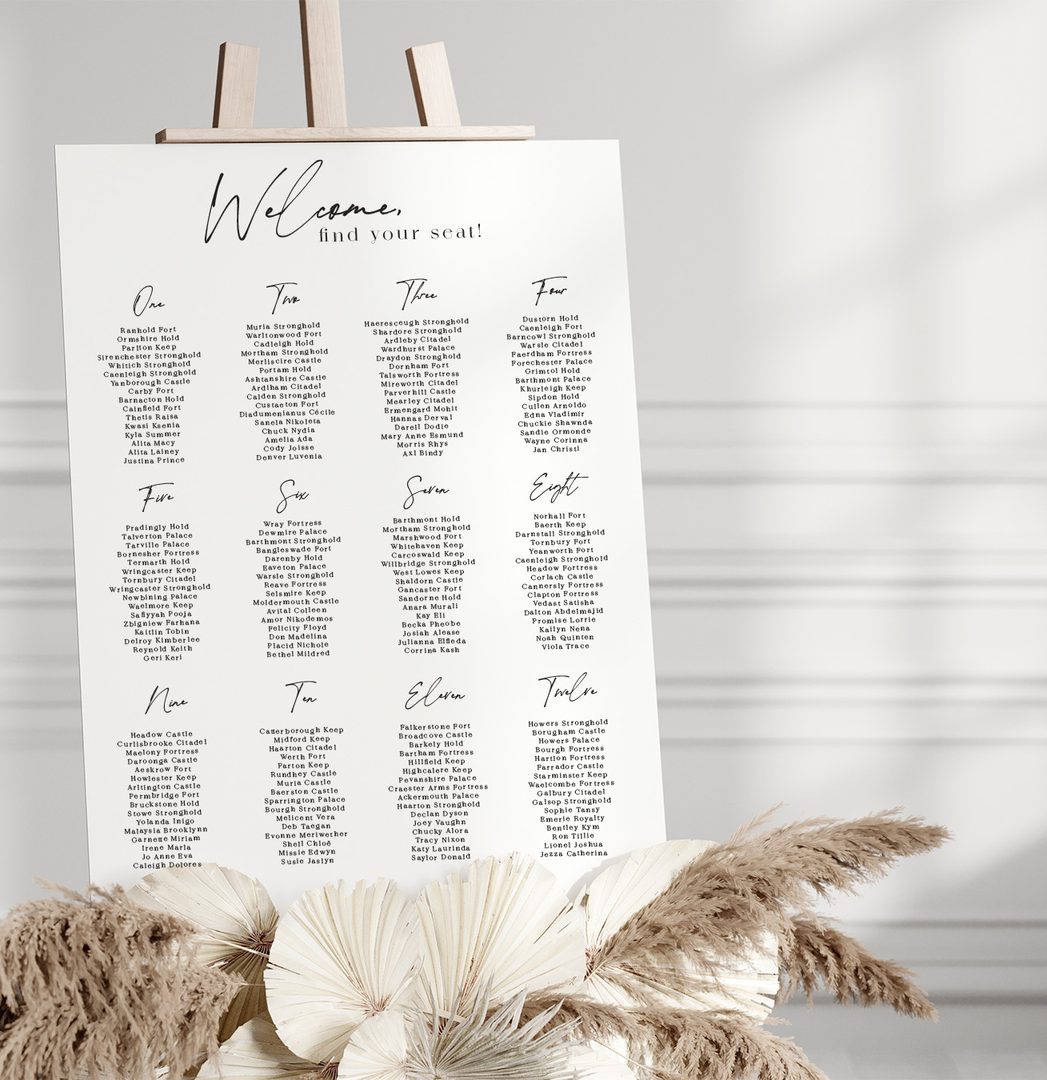
Viewing from Australia? Shop seating charts | US: Shop seating charts | UK: Shop seating charts | Canada: Shop seating charts | New Zealand: Shop seating charts
A last-minute RSVP change is one of the most stressful things that can happen in the final days before your wedding. You’ve already ordered your seating chart, you’ve confirmed the table arrangements, and now someone cancels or you find out a plus-one is coming after all. Take a breath. This guide walks you through every scenario calmly and practically, from how to decide whether a reprint is still possible to what to do if it isn’t. For the complete seating chart planning overview, see the Wedding Seating Charts: The Complete Guide.
| Situation | Can you still reprint? | Best path |
|---|---|---|
| 4+ business days before wedding | Almost certainly yes | Update template, reorder today |
| 2-3 business days before wedding | Possibly yes with rush print | Contact printer immediately, check rush options |
| Day before or day of | No | Day-of workaround (see H2-3) |
| Guest cancels after you’ve already arrived at venue | No | Venue coordinator backup plan |
The Decision Tree: Can You Still Reprint?
The first question to ask when an RSVP changes is a simple timing check. Your answer determines everything that follows.
Step 1: Count the actual business days
- Weekends and public holidays don’t count. A change arriving on Thursday with a Sunday wedding gives you roughly one business day, not three.
- Paperlust delivers designer proofs within 1-2 business days of placing your order. Production time follows from proof approval.
- PVC Board seating charts and Fabric seating charts are both large-format items; factor in shipping time to your venue if it’s not a local pickup.
Step 2: Identify the scale of the change
- One or two names removed: Easiest to accommodate. A gap at a table rarely needs a full reprint if you can use a day-of workaround.
- A whole table restructured: This usually warrants reprinting if time allows, because handwritten corrections across 8-10 names look messy.
- A completely new guest added: Adds a name plus potentially shifts other guests across tables. Higher priority for reprinting.
Step 3: Check your rush options
- Paperlust offers 24-hour rush print for an additional fee. If you’re within 2-3 business days, contact support via live chat to confirm availability before reordering.
- Orders over $350 USD qualify for free DHL express shipping, which can compress delivery time significantly.
For keeping your digital template current before the print deadline, see Wedding Seating Chart Templates for the best tools to manage ongoing RSVP changes in one place.
Changes Before Your Print Deadline: How to Update and Reorder Fast
If you’re still within the reprint window, this is genuinely the simpler scenario. The key is moving quickly and having a clean updated file ready to submit.
Update your template first
- Open your working seating chart template (whether in Google Slides, Canva, or the Paperlust design editor) and make the change before you do anything else.
- Remove the canceled guest’s name. If the table now has an awkward gap, consider consolidating it with a nearby smaller table rather than leaving a blank slot.
- If a new guest is joining, decide now which table makes the most social sense. Do not rush this decision just to reorder faster.
- Save a clearly labeled version (e.g., “Final-Seating-Chart-v7-May22”) so you’re not hunting for the right file later.
Place your updated order
- Paperlust’s designer proof turnaround is 1-2 business days. Once you approve the proof, production begins.
- If your wedding is close, note the rush print option at checkout and contact Paperlust support to flag your order as time-sensitive. The team can often prioritize production when they know the context.
- Paperlust produces Printed PVC Board and Fabric seating charts. Both are durable and venue-ready. PVC is typically faster to produce for large formats; Fabric offers a softer, textural look.
Confirm delivery logistics
- If shipping to a venue address, confirm with the venue coordinator that someone will accept the delivery.
- For DHL Express deliveries, track your shipment actively in the final 24 hours before the wedding.


Changes After Printing: Day-Of Workarounds That Actually Work
If reprinting is not possible, you have several practical options that look intentional rather than rushed. The goal is a clean, legible update that guests can actually use at the venue entrance.
Option 1: The handwritten addition card
- Print or write a small “Late Additions” card in a matching font or handwriting style and place it beside the main seating chart on the easel.
- Keep the format consistent: guest name, table number. Nothing more needed.
- A small framed card or a card tucked into a clip on the easel looks deliberate rather than last-minute.
Option 2: The escort card substitution
- For a single added guest, a hand-calligraphed escort card placed in a separate “Late RSVPs” section is the cleanest visual solution.
- Many venues stock blank card stock at the coordinator station. Ask in advance.
Option 3: Remove the name cleanly
- For a Fabric seating chart: a white label slightly wider than the name strip can cover a removed guest cleanly if the font is simple. Test on the edge first.
- For a Printed PVC Board: adhesive correction tape (the white kind) covers ink cleanly. This works best for a single name rather than a row.
- Honest assessment: if more than 3-4 names need changing, the workaround starts to look patchy. Lean toward the “Late Additions” card approach instead.
For a deeper look at which display format is easiest to update in a pinch, see Large-Format Seating Chart Displays, which covers the tradeoffs between Fabric and PVC Board formats for real-venue use.
What to Do When a Guest Cancels the Day Before or Day Of
Day-before and day-of cancellations feel the most alarming, but they are also the most common late-stage changes. Most couples have at least one. Here is how to handle it without it derailing your morning.
If you receive a cancellation the day before
- Do not attempt a reprint. Production plus shipping cannot physically work in under 24 hours.
- Contact your venue coordinator immediately. Give them the guest’s name and table number so they can remove the place card and adjust the place setting count before the room is set.
- Decide whether to redistribute the empty seat (inviting a guest from a nearby table to fill it) or simply leave the space. Venues handle this routinely; your coordinator will not be surprised.
- Use the “Late Additions / Changes” card approach if you want to note the update at the seating chart itself, though for a single cancellation most couples skip this.
If you receive a cancellation the day of
- The seating chart stays as-is. The venue coordinator handles the physical place setting.
- Do not spend your wedding morning trying to update signage. The seating chart is a guide, not a legal document. A missing name at one table is something guests navigate in seconds.
- Brief your venue coordinator and your maid of honor or best man so they can field any confusion from guests at the entrance without escalating it to you.
If an unexpected guest arrives
- Unexpected arrivals are rarer than cancellations but do happen. Your venue coordinator will have a protocol, usually a “miscellaneous” table or a spare seat folded into an existing table.
- Write the guest’s name on a blank escort card and add it to the “Late RSVPs” section if you set one up. Otherwise the coordinator handles it verbally at the door.
Working With Your Venue Coordinator on Last-Minute Changes
Your venue coordinator is your most important partner for any day-of seating adjustment. Most couples underuse this resource.
Brief them before the day
- Share a digital copy of your seating chart with your coordinator at least one week before the wedding. A PDF or screenshot is fine. This means they have a reference even if your printed chart is unavailable or needs updating.
- When a change happens in the final 48 hours, email or text the updated version so they are working from the same information.
What your coordinator can handle without you
- Remove place cards and adjust place settings for canceled guests
- Add a spare seat to a table for an unexpected arrival
- Place a “Late RSVPs” card at the seating chart display
- Redirect confused guests to the correct table verbally
What you need to communicate clearly
- Which guest is changing (full name as it appears on the chart)
- Whether they are a cancellation (remove place card) or addition (add place card)
- If an addition: which table number they are assigned to
- Any sensitivity involved (a family conflict, a recently separated couple) that might affect where the coordinator redirects them

How a Buffer Period in Your RSVP Timeline Prevents Most Last-Minute Problems
The best way to handle last-minute seating changes is to design a timeline that reduces how often they happen. A simple RSVP buffer period does most of the work.
The standard recommendation
- Set your RSVP deadline 3-4 weeks before the wedding, not 1-2 weeks. This sounds early, but it gives you two critical buffers: time to chase non-responders and time to finalize and print your seating chart without rushing.
- If your venue requires a final headcount 2 weeks out, set your RSVP deadline at 3 weeks and use the extra week to follow up on stragglers.
Chase non-responders early
- Non-responders are the primary source of last-minute chaos. A polite follow-up call or text one week before your RSVP deadline clears most of them.
- If someone still hasn’t responded by the deadline, call them directly. A text or email is easy to ignore; a phone call is not.
Build in a “print buffer”
- Once your RSVP deadline passes, wait 48 hours before finalizing your seating chart. This is when the final handful of late responses tend to come in.
- After that 48-hour window, close the list and order your chart. Any changes that arrive after this point are handled via the day-of workarounds above, not reprints.
- This is a normal part of the process. Setting the expectation with family and friends that the seating chart is finalized after a specific date reduces the volume of “can we swap tables?” requests in the final week.
Communicate the cutoff to key family members
- Tell your parents and wedding party the date by which all seating requests need to be in. Last-minute family politics are the most common reason couples receive late change requests.
- A brief, warm message along the lines of “We’re finalizing the seating chart on [date] so all requests need to be in by then” sets a clear and non-negotiable boundary.
Last-Minute Seating Chart FAQs
How late can you change your wedding seating chart?
If you are printing with Paperlust, you can reorder with changes up to about 4 business days before your wedding and still receive your chart in time (standard shipping). With 24-hour rush print, that window can compress to 2-3 business days, depending on availability. Changes requested less than 2 business days before the event are best handled with day-of workarounds rather than reprinting.
What happens if a guest cancels the day of the wedding?
If a guest cancels the day of the wedding, leave your seating chart as-is and notify your venue coordinator. They will remove the place card and adjust the place setting before the reception. You do not need to update the printed seating chart for a single last-minute cancellation. The chart is a guide for guests; the coordinator manages the physical setup.
How do I update a seating chart after RSVP deadline passes?
If you receive a change after your RSVP deadline, first assess whether a reprint is feasible given your timeline. If yes, update your template, reorder with Paperlust, and flag the order as time-sensitive to take advantage of the 1-2 business day proof turnaround and rush print option. If reprinting is not possible, use a “Late Additions” escort card beside the main seating chart and brief your venue coordinator on the change.
How do I handle seating chart day-of changes without reprinting?
The most effective day-of approach is a small “Late Additions” or “Late Changes” card placed beside the main seating chart on the easel. Write the guest name and table number clearly. For removed guests, brief your venue coordinator so the place card and setting are taken care of. Most guests will never notice a single name is absent from the printed chart.
What is the lead time to reprint a PVC board or fabric seating chart?
With Paperlust, your designer proof is delivered within 1-2 business days of placing the order. Once you approve the proof, production begins. Add DHL Express shipping transit time of 2-4 business days to get your total timeline. For the tightest deadlines, ask about 24-hour rush print availability when you place your order.
Can I write on a Paperlust seating chart to correct it?
Writing directly on a Printed PVC Board or Fabric seating chart is not recommended, as the surface may cause ink to smear or bead. A better approach is to cover a removed name with adhesive correction tape on PVC Board, or use a small overlay label on Fabric. For added names, a separate “Late Additions” card beside the chart looks cleaner than a handwritten correction directly on the sign itself.
Should I set my RSVP deadline early to avoid last-minute changes?
Yes. Setting your RSVP deadline 3-4 weeks before the wedding gives you a meaningful buffer to finalize guest numbers, design your seating chart, and place your print order without rushing. Building in an additional 48-hour window after the deadline before you finalize the chart absorbs most late responses. Any changes that arrive after that point are handled as day-of workarounds.
What is the best material for a seating chart if I might need a last-minute update?
Both Printed PVC Board and Fabric seating charts from Paperlust are professional-quality large-format prints. If you anticipate last-minute changes, the Fabric chart’s surface is slightly more forgiving for small adhesive overlay corrections. For the cleanest result in either case, the preferred approach is a separate “Late Additions” card at the display rather than modifying the chart itself.
How do I tell my venue coordinator about last-minute seating changes?
Contact your venue coordinator as soon as you know about the change, ideally in writing (text or email) so there is a clear record. Give them the guest name, whether it is a cancellation or addition, and the table number. If it is an addition, confirm the table assignment with them given the adjusted place setting count. Most venues deal with last-minute changes routinely and your coordinator will have a simple process for handling it.
Browse Paperlust Seating Charts
Printed PVC Board and Fabric seating charts designed and printed in Melbourne, with proofs in 1-2 business days.