
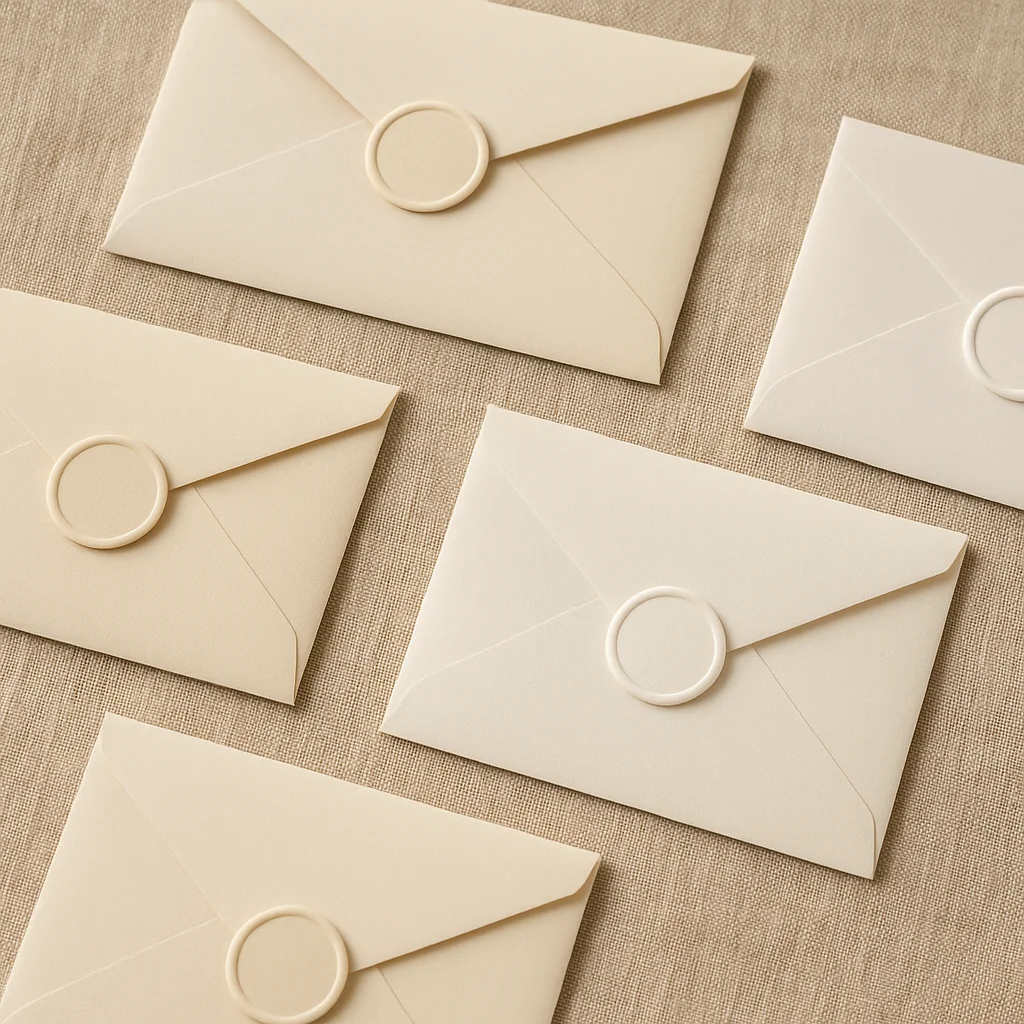
Looking for a starting point for your DIY invitations? Explore printable wedding invitation designs on Paperlust.
DIY Wedding Invitation Checklist
- Choose your design tool (Canva, Adobe, Templett, or Paperlust customizer)
- Set correct dimensions, standard 5 x 7 inches (127 x 178mm)
- Select print method: home printer, local print shop, or online print service
- Order a test print before printing the full quantity
- Allow 2-3 weeks for printing, assembly, and mailing
- Weigh a complete assembled suite before buying stamps
Your wedding invitation is the first thing guests hold in their hands. It sets the tone before the music plays, before the flowers are arranged, before anyone says a word. Making your own puts that first impression entirely in your hands, and done right, it can be just as beautiful as anything from a stationery boutique, at a fraction of the cost.
This guide covers everything: the tools you need, the software that makes design approachable, printing options from home inkjet to professional cardstock, the correct assembly order for inserts, and a realistic breakdown of what DIY actually costs. Whether you want to handle every step yourself or design your own invitation and hand off the printing, there is a path here for you.
Why Make Your Own Wedding Invitations?
The most obvious reason is money. A professionally printed invitation suite can run $4 to $12 per piece, and with 100 guests, that adds up fast. A truly DIY approach can bring that cost down to under $2 per invitation. Even a semi-DIY approach, where you design everything yourself and use a professional print service, typically costs 40 to 60 percent less than buying a fully custom suite.
Beyond cost, there is creative control. You choose the fonts, the colors, the layout, the wording. You can match your invitation exactly to your wedding aesthetic rather than adapting your vision to what a designer offers. If you want illustrated botanicals, a hand-lettered feel, or a minimalist card with a single line of text, you can build it.
There is also something meaningful about the process itself. Addressing envelopes, assembling inserts, sealing each one by hand: for many couples, this becomes one of the most memorable pre-wedding evenings. A glass of wine, a good playlist, and a stack of invitations that you made together.
Browse wedding invitations from Paperlust to see what styles are trending, then use them as inspiration for your own design.
What You Need: Essential Tools
You do not need a craft room full of equipment. Start with the basics and add only what your design calls for.
- Paper trimmer: A rotary or guillotine trimmer gives you cleaner, straighter cuts than scissors. This is the one tool worth spending money on.
- Bone folder: For crisp, professional folds on any vellum overlays, belly bands, or folded elements.
- Scoring board: Pairs with the bone folder to create fold lines without tearing.
- Corner rounder punch: Optional, but rounded corners give invitations a polished, modern feel.
- Hole punch: If your design uses ribbon or twine to tie inserts together.
- Envelope liner template: Guides the cut if you are lining envelopes with patterned paper.
- Double-sided tape or glue dots: Cleaner than liquid glue for assembly.
- Wax seal kit: An increasingly popular way to seal envelopes with a personal monogram or motif.
Design Software: Canva, Templett, and Adobe Compared
Choosing the right software depends on your design experience and how much time you want to invest.
Canva (Free and Pro)
Canva is the starting point for most DIY couples. The free tier gives you access to thousands of wedding invitation templates you can customize: swap fonts, colors, photos, and text in minutes. The Pro tier ($15/month) unlocks premium templates and the Background Remover tool. Canva exports a print-ready PDF with bleed marks, which is exactly what you need if you are sending your file to a print service. It is the easiest option and produces genuinely beautiful results. Read the full guide on how to print Canva wedding invitations for step-by-step instructions.
Templett and Corjl
These platforms host editable templates sold by independent designers, mostly on Etsy. You buy a template, open it in the browser-based editor, and customize it directly without any software download. The templates are built for home printing, so sizing and bleed are already set. Quality varies by designer, so read reviews carefully before buying.
Adobe Illustrator
The professional choice. Illustrator gives you complete control over every element: vector graphics, custom typography, precise layout. The results can be stunning. The learning curve is steep and the subscription costs $22+ per month. Worth it if you already know the software or are designing for a very large guest list where investing time pays off.
Microsoft Word and Publisher
Accessible but limited. Word is fine for simple text-based designs, but alignment and print formatting can be frustrating. Not recommended if design is a priority.
Printing at Home vs. Using Paperlust’s Print Service
This is where many DIY guides stop short. There are actually four distinct options, each with real trade-offs.
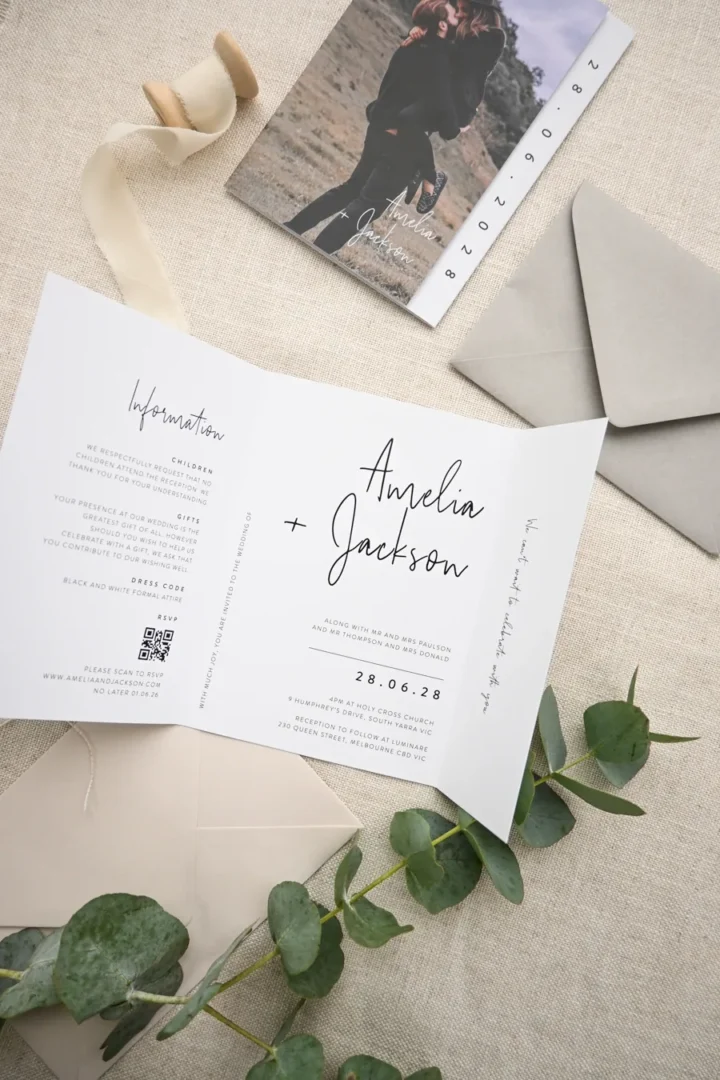

Home inkjet printer
Works well on 65lb to 80lb (176gsm to 216gsm) cardstock. Color accuracy varies by printer and ink. Suited to casual aesthetics and smaller guest lists. Cost is typically $0.05 to $0.15 per page in ink, plus paper.
Home laser printer
Produces sharper text and fine lines than inkjet. Toner can crack if the paper is scored or folded after printing. Better for text-heavy designs than illustrated ones.
Local print shop (FedEx, Staples, or similar)
A step up in quality and paper weight options. Expect to pay $0.15 to $0.50 per page. You will get better color consistency than a home printer, but paper choices are limited and you lose the personal control of doing it yourself.
Paperlust print-your-own-design service
This is the semi-DIY sweet spot. Design your invitation in Canva (or any design software), then print your own design at Paperlust. Your file is printed on premium cardstock up to 380gsm, with the same professional finish as any Paperlust order. You get a designer proof within 1 to 2 business days before anything goes to press. It is the best of both worlds: you keep full creative control, and Paperlust handles the quality printing on paper that a home printer simply cannot handle. Order a $5 sample pack first to feel the paper stocks before committing.
Paper Types: What Works Best for DIY
Paper weight is measured in pounds (lb) for American cardstock or GSM (grams per square meter) internationally. The higher the number, the thicker and more substantial the card.
- 65lb cardstock (176gsm): The lightest option suitable for invitations. Feeds through most home printers without jamming. Has a slight flex that feels less formal.
- 80lb to 100lb cardstock (216 to 270gsm): The sweet spot for DIY. Feels substantial and professional. Some home printers struggle with the heavier end of this range.
- 110lb cardstock (298gsm): Very thick, requires a commercial printer for reliable results.
- Vellum (translucent) overlays: A popular trend, layered over the main card and tied with ribbon. Adds an elegant, ethereal quality.
- Kraft paper: Warm, rustic, earthy. Works beautifully with botanical designs and outdoor wedding aesthetics.
- Paperlust stocks (via print-my-own-design): Access to Matte 300gsm, Linen 300gsm, and Premium 380gsm, which no home printer can accommodate. Wild Cotton 600gsm is available for letterpress orders.
Envelope Addressing: Tips and the Address Manager
Addressing 100 or more envelopes by hand is one of those tasks that sounds romantic until hour three. A few approaches make it manageable.
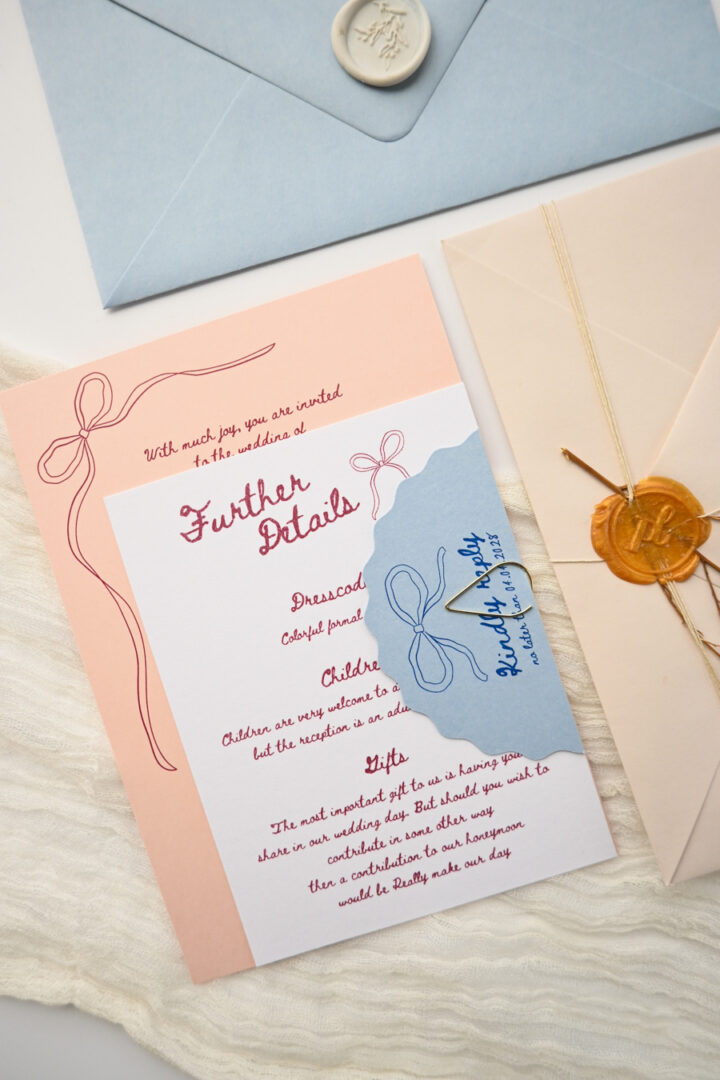
For a handwritten look without writing every envelope yourself, print addresses directly onto envelopes using your home printer. Set up a template in Canva or Word, test on plain paper first to check alignment, then feed envelopes carefully one at a time. Use a consistent font that matches your invitation aesthetic.
For the truly professional option, Paperlust’s Address Manager lets you import your guest list via Excel or a simple CSV upload. Addresses are then printed directly on envelopes, approximately $0.20 per address, saving hours of hand-addressing. It is one of the most underrated time-savers in the entire wedding stationery process.
Whichever method you choose, double-check every address against your guest list before printing the full run. A returned invitation means a late RSVP.
While you are at it, make sure your invitation wording is correct before anything goes to print.
Assembly: The Correct Order of Inserts
This is the step most guides skip, and it matters more than you think. Stuffing an envelope incorrectly is one of those small things guests notice, even if they cannot quite say why.
The standard assembly order, from bottom to top:
- Directions or accommodations card (smallest enclosure, goes in first, face up)
- Details card (reception or itinerary info, face up)
- RSVP envelope (flap up)
- RSVP card (tucked under the RSVP envelope flap, face up)
- Main invitation card (largest piece, face up on top)
The whole stack goes into the outer envelope face-up toward the envelope flap, so guests pull it out and read the invitation without having to flip anything over.
If you are using a belly band or ribbon to bind the insert stack, wrap it around all pieces in this order before inserting. Wax seals go on the outer envelope flap as the final step.
Cost Breakdown: Truly DIY vs. Semi-DIY
Here is an honest comparison for a 100-guest wedding (100 invitation suites):
| Approach | Estimated Cost (100 suites) | Notes |
|---|---|---|
| Truly DIY: design + home print | $50 to $150 | Paper, ink, tools. Limited to lighter cardstock. Time-intensive. |
| Semi-DIY: design + local print shop | $100 to $250 | Better quality, more paper options, but limited stocks. |
| Semi-DIY: design yourself + Paperlust print | $180 to $350 | Premium 300 to 380gsm stock, professional finish, proof in 1 to 2 business days. Best quality-to-cost ratio. |
| Fully professional custom | $400 to $1,200+ | Designer fees + printing. Maximum quality, minimum effort. |
The semi-DIY path via Paperlust sits in a compelling middle ground: you carry the creative cost (your time in Canva), Paperlust carries the production cost. The result looks fully professional, and every order includes planting a tree as part of Paperlust’s sustainability commitment.
Timeline: When to Start and What to Expect
- 4 to 5 months before the wedding: Start designing. Browse inspiration, define your style in 3 to 4 words (e.g., minimalist, romantic, botanical, vintage), and open Canva or your chosen software.
- 3 months before: Finalize your design. Order paper and supplies if printing at home. Order a $5 sample pack from Paperlust if using their print service. Confirm all wording.
- 10 to 11 weeks before: Do a test print run. Check colors, sizing, and bleed. Adjust and finalize.
- 9 to 10 weeks before: Print the full run or submit files to Paperlust. Begin assembly once cards arrive.
- 6 to 8 weeks before: Mail invitations. Destination weddings: mail at 4 months to give guests time to book travel.
Build in a buffer at every stage. Printers jam, files need adjustments, and envelope addressing always takes longer than expected.
DIY tip: Custom stickers and labels elevate your handmade invitations. Print envelope seals, address labels, or decorative stickers at Paperlust Print Shop, from $0.08 each.
Frequently Asked Questions
Can I really print wedding invitations on a home printer?
Yes, for lighter cardstock (65lb to 80lb / 176gsm to 216gsm). Results depend heavily on your printer model and ink quality. Run a test page first and compare colors to your screen, as home printers often print cooler or darker than the digital preview. For heavier stocks or more polished results, use a print service.
What file format should I export from Canva for printing?
Export as PDF Print with crop marks and bleed enabled. This gives the printer the information needed to cut accurately. If printing at home, PDF is still preferable to PNG for color consistency and resolution.
How far in advance should I mail wedding invitations?
6 to 8 weeks before the wedding for most guests. 3 to 4 months for destination weddings or guests who need to book travel and accommodation.
Is DIY cheaper if I include labor costs?
Honestly, if you value your time at a standard hourly rate, truly DIY is not always cheaper than a professional service. The semi-DIY model, design yourself plus professional printing, gives you the best financial outcome when time is factored in. The process is also genuinely enjoyable for most couples.
What cardstock weight do I need for a professional-looking invitation?
Aim for at least 80lb (216gsm) for a card that feels substantial. Paperlust’s Matte and Linen stocks are 300gsm, which is the weight where invitations start to feel genuinely luxurious in the hand. Order a $5 sample pack to compare weights before you commit.
Can I use my own design with Paperlust’s printing service?
Yes. The print your own design at Paperlust service lets you upload any file, whether designed in Canva, Illustrator, or another tool, and have it printed on premium paper stocks with a professional finish. You receive a designer proof within 1 to 2 business days before printing begins.
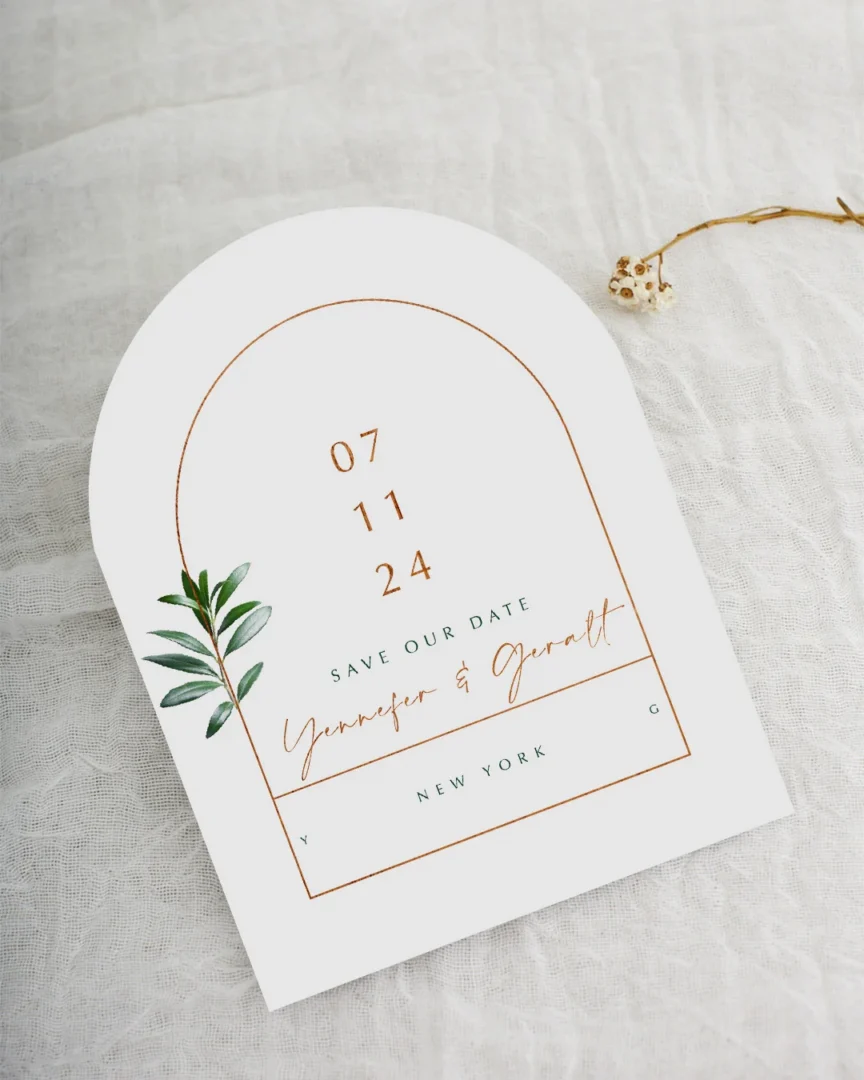
Love your design? Let us print it.
Upload your artwork and our print team quotes you within 24 hours, letterpress, foil, or digital, on luxe paper with premium envelopes included free.