
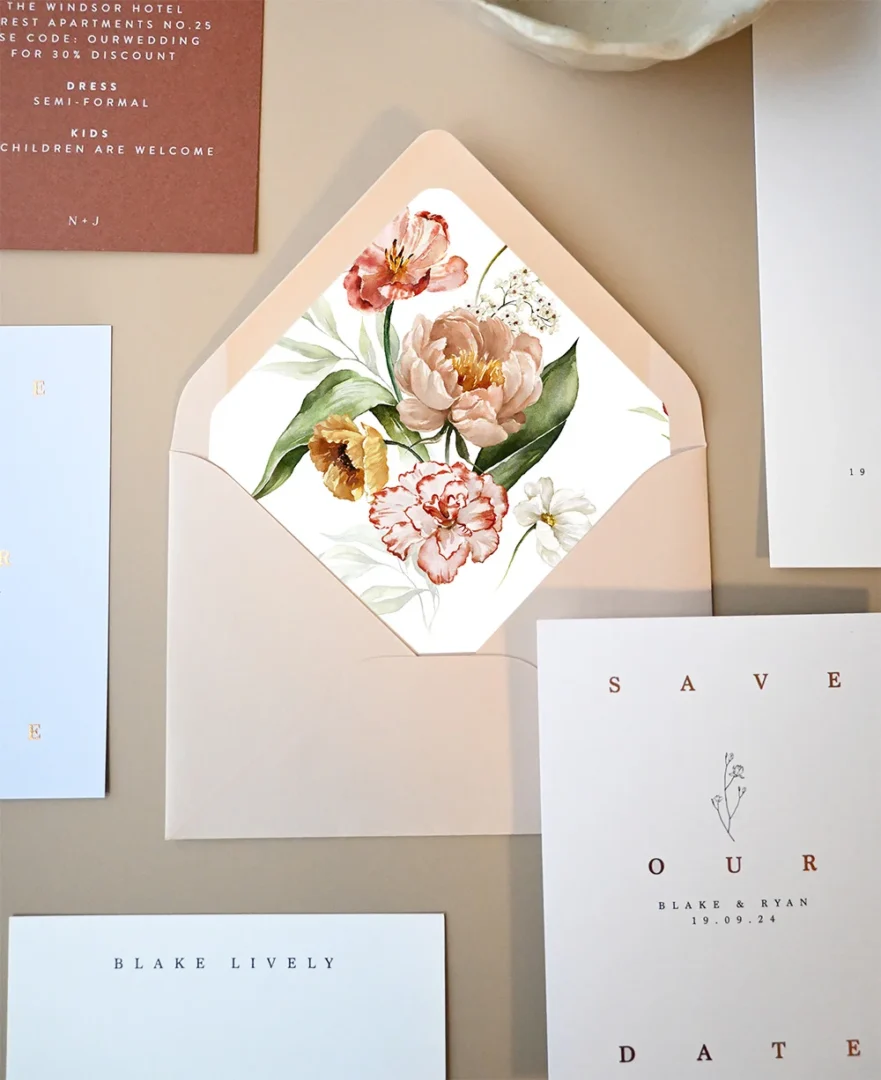
Digital save the dates have gone from a niche workaround to a completely legitimate part of modern wedding planning. Whether you’re working with a tight timeline, a global guest list, or just prefer the flexibility of going paperless, an e-save the date can be the perfect first announcement. This guide covers everything you need to know: when to send, what to say, and how to make yours feel personal and polished.
- When to send: 6-8 months before the wedding (8-12 months for destination)
- What to include: Names, date, city/state, wedding website, “formal invitation to follow”
- Tone: Match the formality of your wedding
- Format: JPEG or PDF shared via email or text
- Follow up with: Printed invitations 6-10 weeks before the wedding
- Paperlust digital option: $35 flat via customer service, receive design files to share yourself
What Are Digital Save the Dates?
A digital save the date, sometimes called an e-save the date or online save the date, is a designed card sent electronically rather than by mail. Instead of printing and posting a physical card, you share a JPEG or PDF file via email, text message, or social media direct message.
Digital or printed, the underlying timeline is the same: see our full guide on when to send save the dates for the month-by-month calendar and destination/peak-season exceptions.
The format has evolved significantly since its early days as a simple email. Today, digital save the dates can be just as beautiful and intentional as their printed counterparts, using the same fonts, colors, and design language as your full invitation suite. Many couples use them as a complement to physical invitations, or as the primary save the date when time or logistics make printing impractical.
It’s worth distinguishing between a digital save the date and a wedding website. A wedding website is a separate tool that holds travel details, registry links, accommodation suggestions, and your RSVP. Your digital save the date typically links guests to that website, but the two serve different purposes.
| Factor | Digital Save-the-Date | Printed Save-the-Date |
|---|---|---|
| Cost (100 guests) | $0–50 | $200–450 |
| Lead time | Same-day send | 1.5–2 weeks print + post (digital print) |
| RSVP tracking | Built-in (read receipts) | Manual / via website |
| Keepsake value | Low | High (fridge-displayed) |
| Best for | Tech-comfortable lists, tight timelines | Mixed-age lists, premium suites |
When to Send Your Digital Save the Date
The general rule is 6-8 months before your wedding date. Digital delivery is instant, but that doesn’t mean you should leave it until the last minute. Guests need time to arrange travel, request time off work, and plan around other commitments.
Shop wedding invitations at Paperlust
Once your save-the-dates go out, the invitations are next. 500+ designs, 1-2 day proofs.
Here are the timelines by wedding type:
- Local weddings: 6 months in advance
- Peak-season weekends (May-October): 7-8 months in advance
- Destination weddings: 8-12 months in advance to allow for passport, flight, and accommodation planning
- Holiday weekend weddings: 8-10 months in advance, holiday weekends book out fast
After you’ve sent your digital save the date, plan to follow it up with your printed invitations 6-10 weeks before the wedding. That timing gives guests enough lead time to RSVP and arrange the finer details.
One practical tip: send your digital save the date to yourself and a friend first to confirm the image renders clearly, all links work, and the file isn’t too large for email inboxes.
What to Include in a Digital Save the Date
Keep it simple. A digital save the date is not the invitation, it’s the announcement. Guests expect limited information and know more is coming.
Essential elements:
– Both names, your first names at minimum, full names if formal
– Wedding date, spell it out if you’re going formal, numerals for casual
– City and state, no need for a full venue address at this stage
– “Formal invitation to follow”, sets expectations for what’s coming
– Wedding website URL, for guests who want details sooner
Optional additions:
– A photo, popular for photo-card style digital save the dates
– A short note (“We can’t wait to celebrate with you!”)
– Dress code hint, if it’s black tie or beach casual, guests appreciate the heads-up early
What to leave out: venue address, gift registry links, meal choices, and detailed accommodation info. Save all of that for your printed invitation and wedding website.
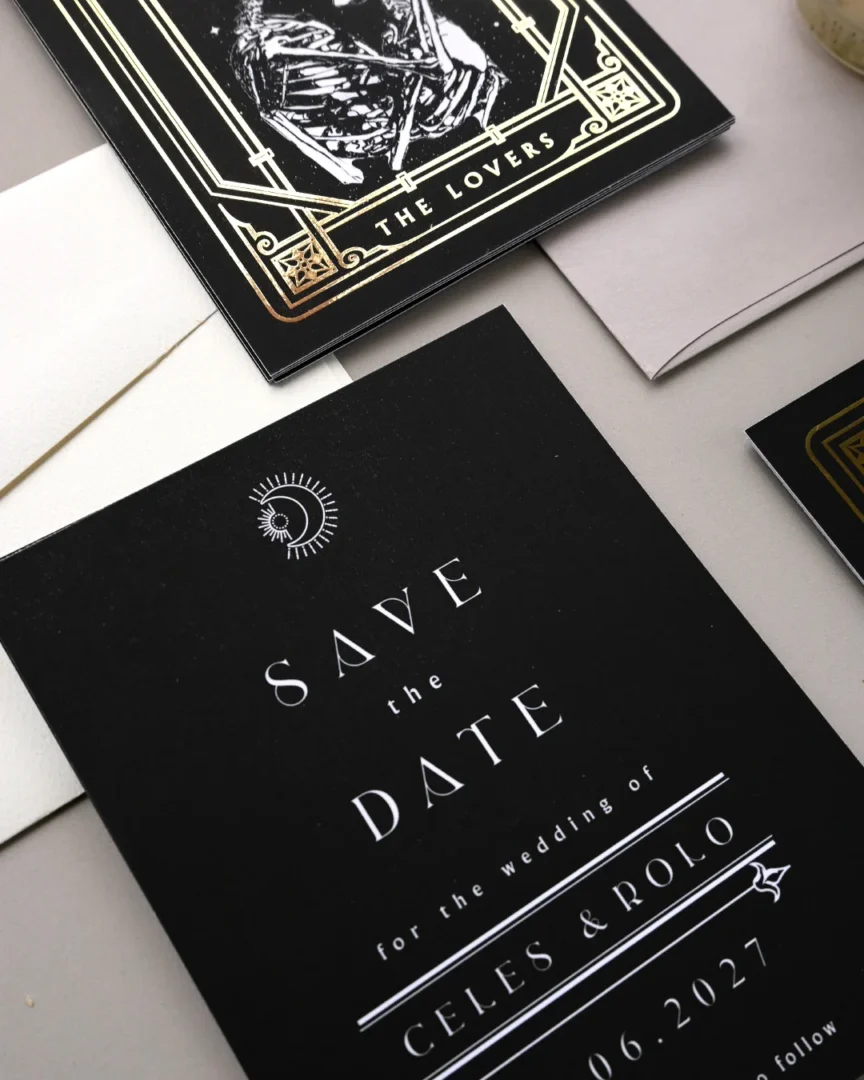

Digital Save the Date Wording Examples
Match the tone of your wording to the formality of your wedding. Here are templates across a range of styles:
Casual and Modern
June 14, 2026, Nashville, Tennessee
Save the date, formal invitation to follow
Details at sarahandjake.com
the marriage of Mia Torres and Ryan Chen
Saturday, August 22, 2026
Portland, Oregon
More details at miaandryan.com
Formal and Traditional
Olivia Anne Hartwell
and
Christopher James Monroe
request the pleasure of your company
at their wedding celebration
Saturday, the seventh of November, two thousand twenty-six
Savannah, Georgia
Formal invitation to follow
Destination Wedding
Emily and Marcus are getting married in Tuscany
Friday, September 18, 2026
More information at emilyandmarcus2026.com
Formal invitation and travel details to follow
Short and Sweet
Sophie & Daniel are getting married.
October 3, 2026 | Charleston, SC
Invitation to follow, can’t wait to celebrate with you!
Digital vs. Physical Save the Dates: Pros and Cons
Both formats have a place depending on your priorities. Here’s an honest look at each:
Shop wedding invitations at Paperlust
Match your printed invitations to the digital save-the-date in tone, colour, and motif.
| Factor | Digital Save the Date | Physical Save the Date |
|---|---|---|
| Cost | Low, typically $35 or less for design files | $1+ per card, plus postage |
| Speed | Instant delivery anywhere in the world | Allow 1-2 weeks for production + delivery |
| Environmental impact | No paper waste | Uses paper and packaging |
| Design quality | Fully designed, matches your suite | Fully designed, tangible keepsake |
| Guest reach | Requires a valid email or phone number | Reaches any guest with a mailing address |
| Keepsake value | Easy to save digitally, less tactile | Something guests can pin to the fridge |
| Tracking | Can confirm delivery via read receipts | No confirmation of receipt |
| Older guests | May not check email reliably | Reliable and universally accessible |
Many couples land on a hybrid approach: digital save the dates for the tech-savvy segment of their guest list, and physical cards for family members who may miss an email or who they know will appreciate holding something tangible.
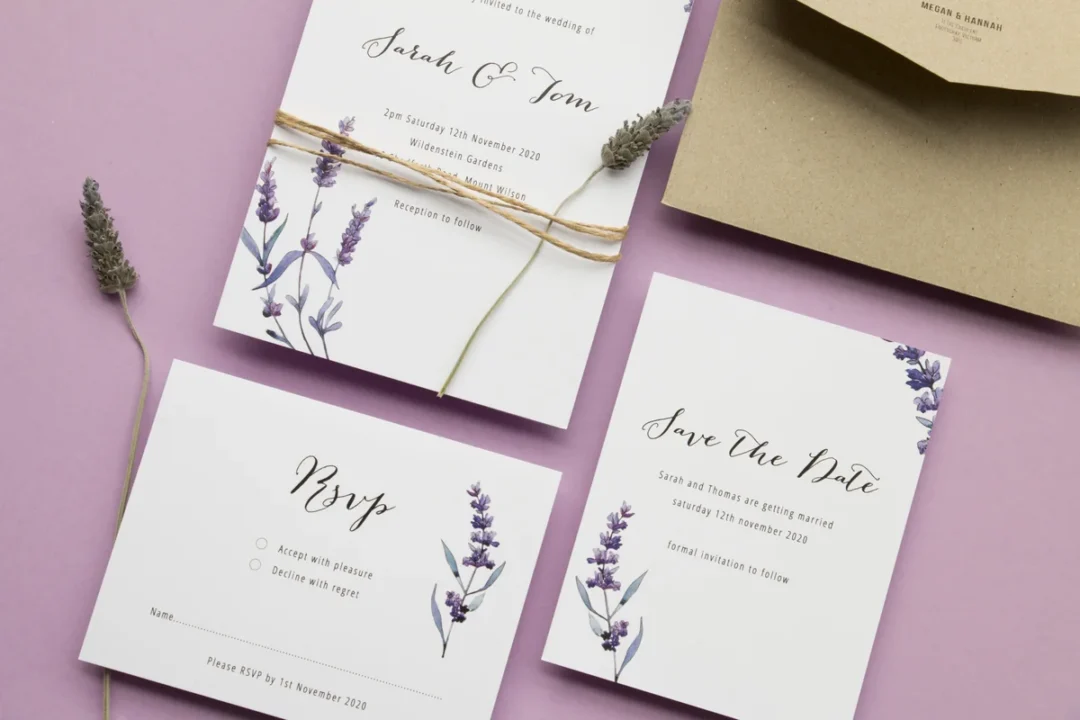
How to Personalize Your Digital Save the Date
Going digital does not mean going generic. Here are the ways to make your e-save the date feel genuinely yours:
Match your design to your overall suite. If your wedding colors are dusty blue and sage, your digital save the date should reflect that palette. If your invitation is modern and minimal, carry that through. Cohesion across your stationery signals intention, guests notice.
Use a photo. An engagement photo transforms a simple announcement into something personal. A well-chosen image, candid, natural, taken in a location meaningful to you both, gives guests something to smile at and makes the digital format feel warm rather than transactional.
Add a personal line. One sentence in your own voice goes a long way. “We’ve been waiting to share this with you” or “clear your calendar, we want you there” makes the announcement feel human.
Coordinate with your wedding website. Include your website URL and make sure the site is live before you send. First-day visitors should be able to find your venue, accommodation options, and registry.
If design consistency across your entire stationery suite matters to you, Paperlust offers a digital save the date option for $35 flat via customer service. You’ll receive JPEG and PDF files of your design to share yourself by email or text, keeping your save the date, invitation, and day-of pieces visually unified. Browse our wedding save the date cards to find a style that works for both formats. Our photo save the dates are particularly popular as digital files, your engagement photo, professionally placed in a beautifully designed layout.
Digital Save the Date Etiquette
A few etiquette principles worth knowing before you hit send:
Send to your full guest list, not a shortlist. If someone is important enough to invite, they deserve advance notice. Sending digital save the dates to only some guests, and mailing physical cards to others, can unintentionally signal a tier system. Either use both formats consistently or send one format to all guests.
Double-check every address before sending. Unlike mailed cards, a digital save the date sent to an outdated email address simply disappears. Collect current emails as part of your guest list process.
Do not mention gifts or registry links. It’s considered poor etiquette to include gift registry information in a save the date, digital or otherwise. Save that for your wedding website, which you can link to from the announcement.
Follow up with older guests. If you have guests who may not check email regularly, a quick call or physical card after sending your digital announcement is thoughtful. Some couples send physical save the dates to grandparents and older relatives as standard practice.
Send before you change your plans. If there is any chance your date or venue will change, wait until things are confirmed. A digital save the date is faster to correct than a printed one, you can resend immediately, but it’s still disruptive for guests who have already made travel plans.
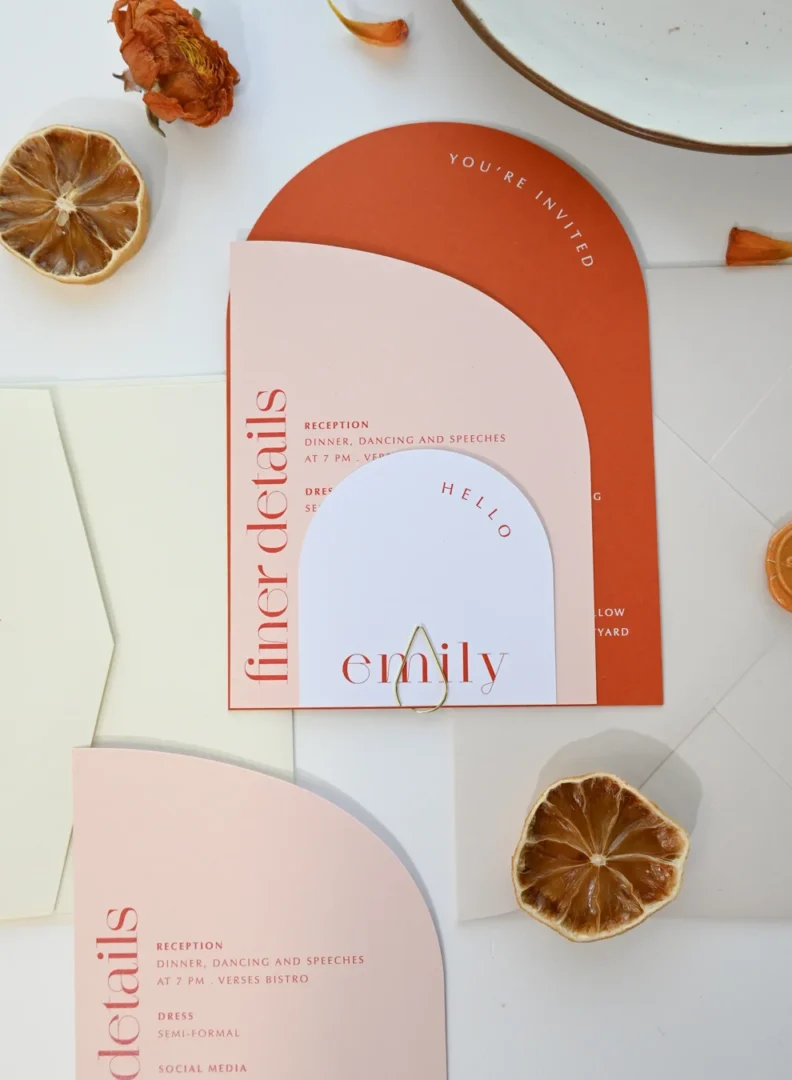
How to Choose Between Digital and Printed Save-the-Dates
Digital and printed save-the-dates aren’t either/or for every couple. The right choice, or right blend, depends on your guest demographics, your wedding’s overall stationery investment, and what you want guests to keep.
1. Map Your Guest List to Format Preferences
If 80%+ of your guests are under 50 and check email daily, digital save-the-dates land cleanly. Mixed-age lists usually do best with digital for younger guests and printed cards for grandparents, distant family, and older mentors.
2. Calibrate Against the Full Stationery Spend
If you’re investing in letterpress or foil invitations, printed save-the-date cards reinforce the suite’s premium feel from the first touchpoint. If your invites are digital-print, digital save-the-dates align stylistically and save the budget for day-of stationery.
3. Decide What You Want Guests to Hold
A printed save-the-date often goes on a fridge for 6+ months: a recurring brand reminder. A digital save-the-date gets seen once, then archived. Browse the digital save the date cards if you want both formats from the same designer.
Frequently Asked Questions
Is it okay to send only a digital save the date and skip the physical one?
Yes, for most modern weddings, a digital save the date is perfectly acceptable etiquette. For very formal, traditional weddings (black tie, large church ceremony with a full printed suite), physical save the dates may be expected. Know your audience.
Can I send a digital save the date and a physical one?
Absolutely. Many couples do both, send the digital version first for speed, and mail physical cards shortly after as keepsakes or for guests who prefer a tangible reminder.
What if I don’t have everyone’s email address?
Collect emails proactively as you build your guest list, include a field on your wedding website RSVP form, or ask family members to help gather contact info for older relatives. For guests you cannot reach digitally, send a physical save the date.
How long should a digital save the date be?
Short. It is an announcement, not an invitation. Your names, date, city, and website URL is all you need. One to three short lines of copy maximum.
Should a digital save the date link directly to the RSVP?
Not typically. Link to your wedding website home page. RSVPs come with the formal invitation, not the save the date, opening that form too early creates confusion about whether a response is needed now.
Can I order a digital version of a printed save the date design?
Yes, Paperlust offers this via customer service for $35. You receive professionally designed JPEG and PDF files of any design from the digital save the dates collection to share yourself. Contact our team to arrange it.