
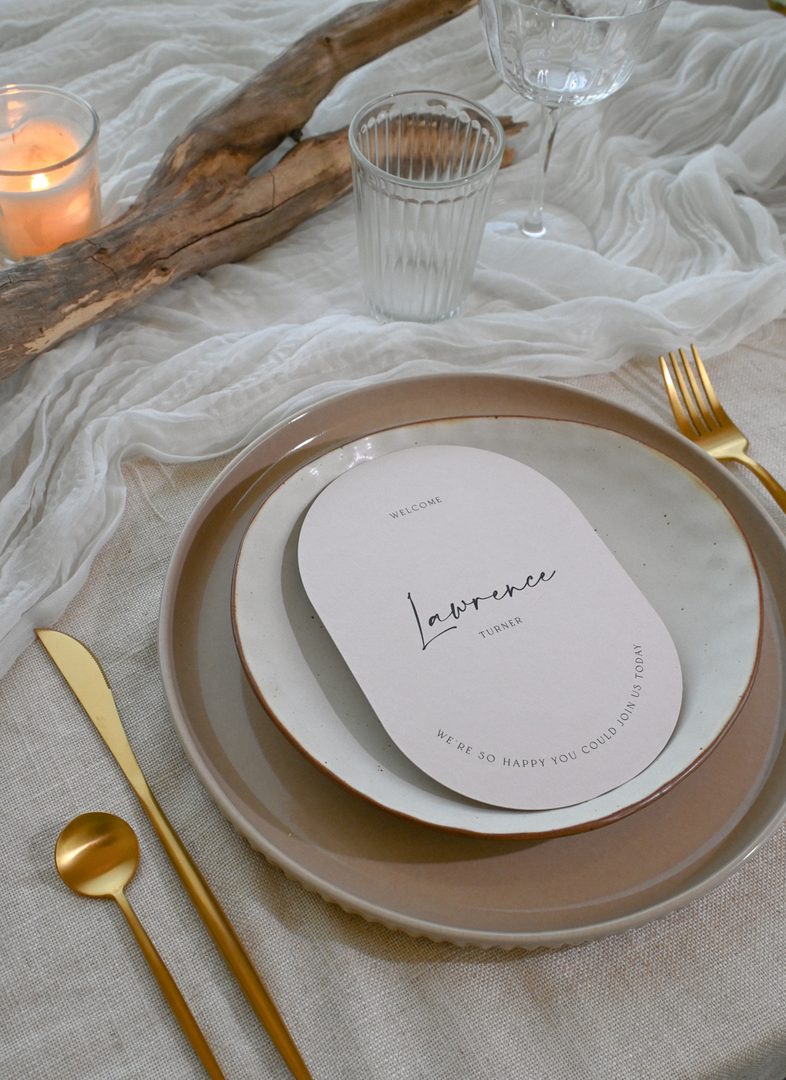
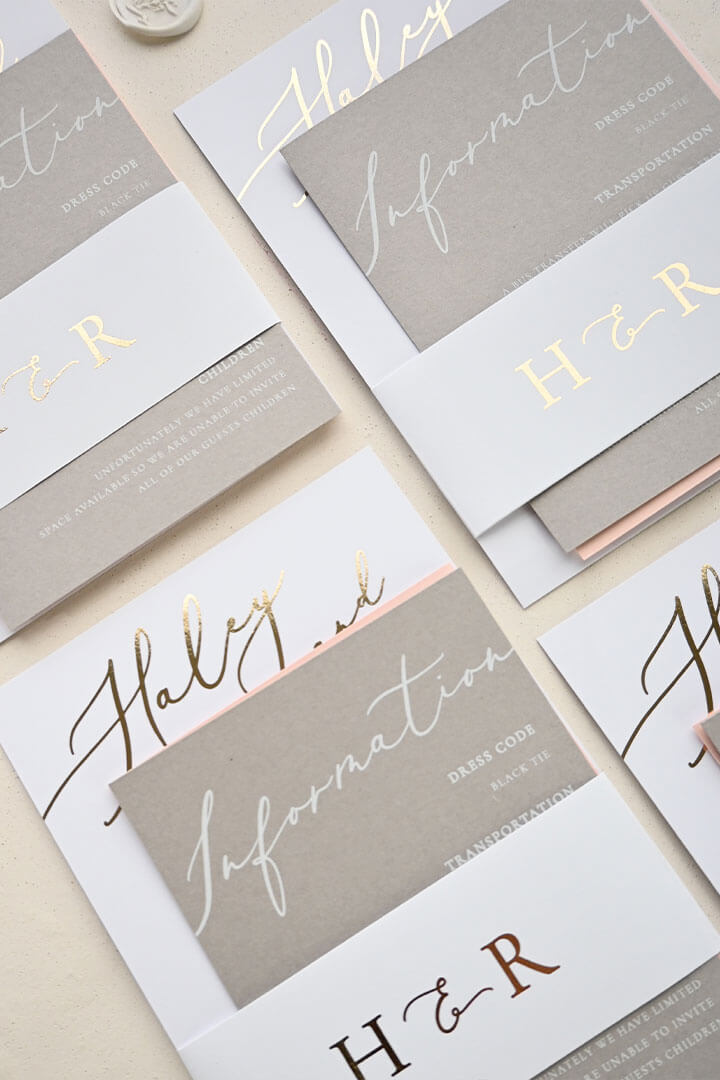

Place cards are one of the smallest pieces of stationery at your wedding and one of the most noticed by guests. Getting them right means knowing how to organize your list, choose the right format, and print or write each card cleanly. This guide walks you through every step, whether you are doing it yourself at home or ordering professionally printed cards.
- Place cards show each guest where to sit at a named table; escort cards are used at the entrance to direct guests to their table first.
- Standard place card size is 2″ x 3.5″ (51 x 89mm) flat; tent cards fold to roughly 2″ x 3.5″ standing.
- Print at home with a template on cardstock (80lb minimum), or order professionally printed cards for a polished finish.
- Organize your seating list alphabetically by last name and lock it 2 weeks before the wedding to allow production time.
- For calligraphy-style printing, professional digital printing on premium stock gives a cleaner result than most home printers can match.
- Plan for 5-10% extra cards to cover last-minute additions and name misprints.
DIY vs. Professionally Printed Place Cards
The choice between making place cards at home and ordering printed ones comes down to three things: time, budget, and the finish you want.
DIY place cards work well when you have a casual or rustic aesthetic, enjoy hand lettering, and have time to sit down and write 80+ names without rushing. They also give you complete control over last-minute guest list changes. The downside is consistency. Writing 120 cards by hand means the last 20 will look different from the first 20, especially if calligraphy is not your daily practice.
Professionally printed place cards take the pressure off entirely. You upload your guest list, and the printer handles the names. The result is perfectly consistent text on high-quality card stock, and production at Paperlust takes just 1-2 business days after your designer proof is approved. If you are ordering invitations or other stationery already, it is worth bundling place cards in the same order to save on shipping.
If you are weighing up the difference between place cards and escort cards before you start, it is worth reading the escort cards vs. place cards guide first so you know exactly which format your seating setup requires.
Quick comparison
| Factor | DIY at Home | Professionally Printed |
|---|---|---|
| Cost | Cardstock + printer ink | From $2.04 per card (digital print) |
| Time investment | High (design + print + write) | Low (upload list, approve proof) |
| Consistency | Varies by hand | Perfect across every card |
| Last-minute changes | Easy to reprint one card | Possible with rush print option |
| Finish quality | Depends on home printer | Professional, including foil options |
| Suite matching | Difficult to match exactly | Designer matches your invitation suite |
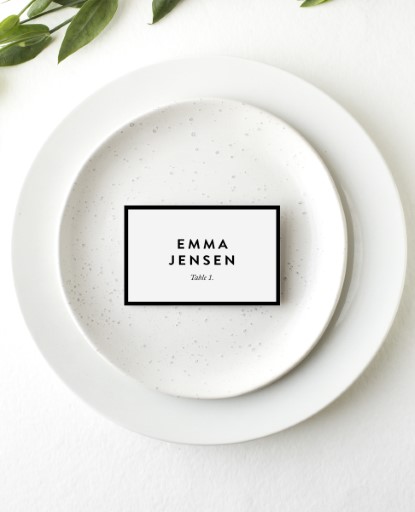
MinimalDigital printing
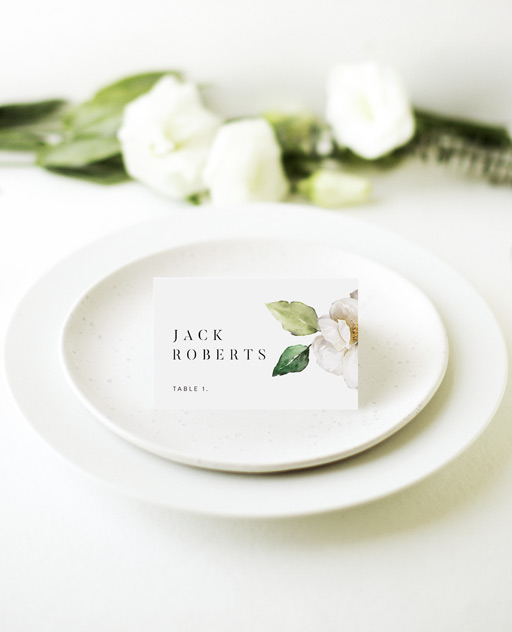
White GardenDigital printing
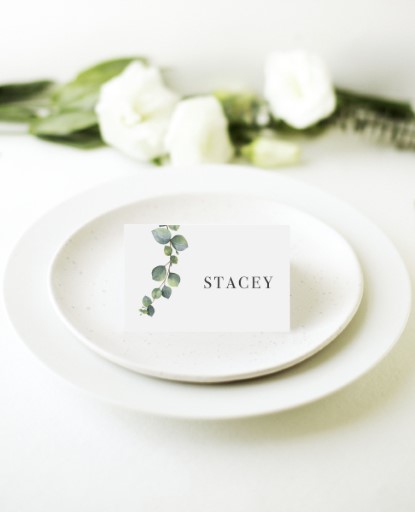
EucalyptusDigital printing
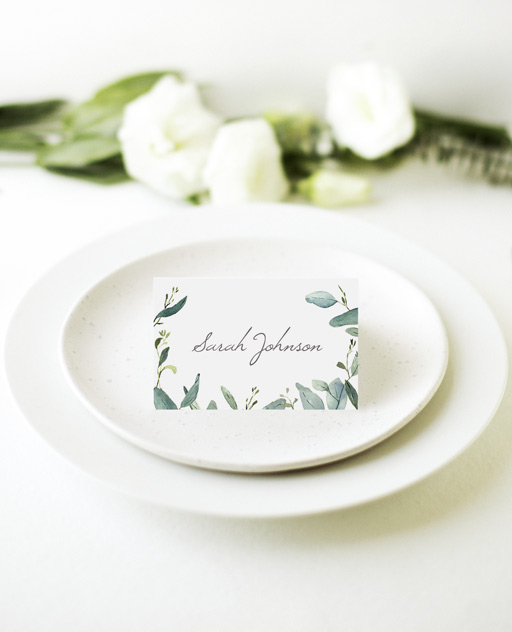
Botanical GeoDigital printing
What Information Goes on a Wedding Place Card
A place card only needs to do one job: tell a guest where to sit. Keep the information minimal.
What to include
- Guest name – The non-negotiable. Use first and last name to avoid confusion with multiple guests sharing a first name.
- Table number or name – Include this if you are also using place cards as escort cards (directing guests from the entrance to their table). If you have separate escort cards, the place card typically carries only the name.
- Meal choice indicator (optional) – A small symbol, initial, or colored dot can communicate dietary or meal selections to the catering team discreetly.
What to leave off
- Wedding date (guests know when they are)
- Full address details
- Long phrases or quotes
- Anything that makes the card hard to read quickly in a low-lit reception venue
Name formatting conventions
There is no single right way to write names on place cards, but these formats are widely used:
For couples with different last names, list both names on one card rather than using two separate cards at the same place setting. Keep the format consistent across every card so the table reads as a cohesive set.
Organizing Your Seating List Before You Print
Getting your seating list into a clean, print-ready format before you start any design work will save significant time and prevent reprints.
Step 1: Confirm your final RSVP count
- Wait until your RSVP deadline has passed before building the list.
- Follow up with non-responders by phone or text, not email (higher response rate).
- Mark any pending responses clearly so you do not accidentally include them in the print run.
Step 2: Build your master list in a spreadsheet
- Use columns: Last Name, First Name, Table Number, Meal Choice (if applicable), and Notes.
- Sort alphabetically by last name. This is how venue staff will find each card quickly.
- Keep couples on adjacent rows so you can see at a glance whether one card or two is needed.
- Flag any names you are uncertain about spelling. Confirm the correct spelling before printing.
Step 3: Assign tables and check for duplicates
- Assign every confirmed guest to a table. No gaps or unassigned rows.
- Run a duplicate check. If you have two guests named “James Wilson,” note a distinguishing detail (e.g., “James A. Wilson” and “James B. Wilson,” or use full middle names).
- Check each table’s count against your venue floor plan. Overcrowded or underfilled tables show up as problems on the day.
Step 4: Lock the list
- Set a “list lock” date at least 2 weeks before the wedding if you are ordering professionally printed cards. For rush printing, 5-7 days may be possible.
- Communicate the lock date clearly to both families. Late additions after printing cost time and money.
- Keep the spreadsheet version-controlled. Name each saved version with the date so you know which is the final.
Avoiding the most common list mistakes
| Mistake | How to catch it before printing |
|---|---|
| Duplicate names | Sort by first name and scan; use spreadsheet conditional formatting |
| Misspelled names | Cross-reference against the original RSVP form or invitation envelope |
| Missing guests | Count rows against your confirmed headcount |
| Wrong table numbers | Cross-reference with your seating chart layout |
| Dietary flags omitted | Add a “meal code” column before exporting your final list |
Choosing Place Card Size, Material, and Format
Standard sizes
Wedding place cards come in a handful of standard sizes. The most common is the flat place card at 2″ x 3.5″ (51 x 89mm), which is roughly the size of a business card. Tent cards (folded) usually sit at about 2″ x 3.5″ when folded, meaning the unfolded stock is 4″ x 3.5″.
| Format | Dimensions (flat) | Best for |
|---|---|---|
| Flat place card | 2″ x 3.5″ (51 x 89mm) | Sitting inside charger plates, menu holders, or napkin folds |
| Tent card | 4″ x 3.5″ unfolded (102 x 89mm) | Standing upright at place settings without a holder |
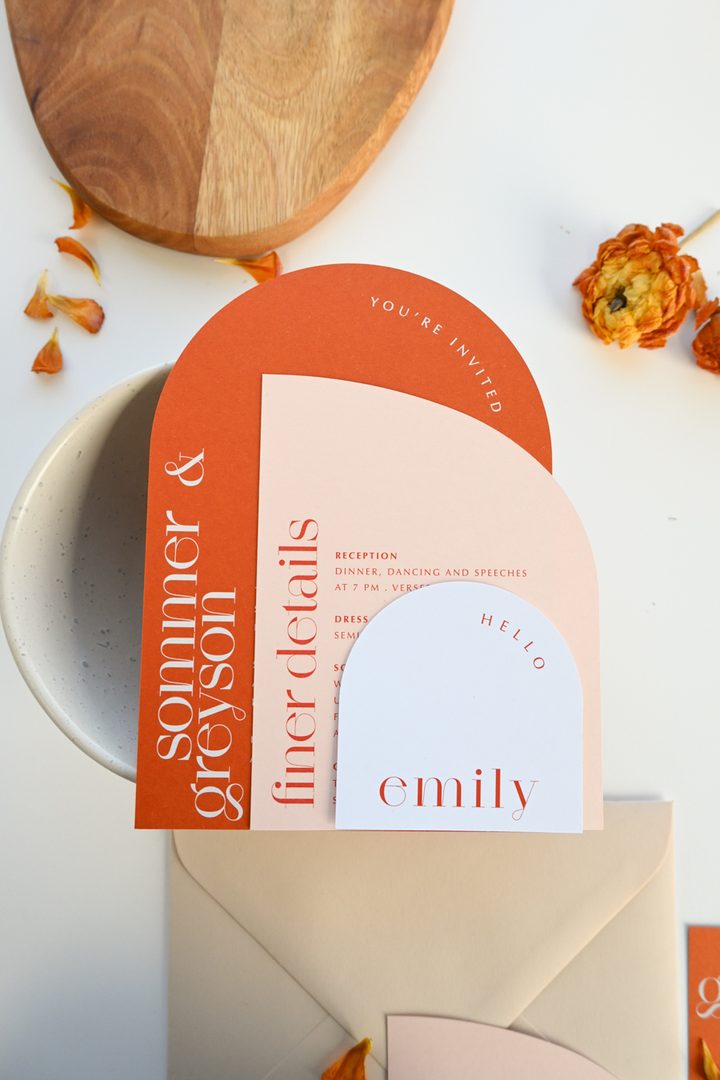
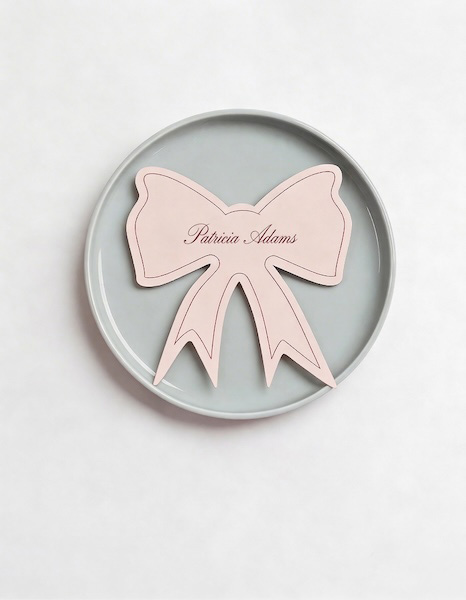
| Die-cut place card | Varies (arch, leaf, scallop) | Adding a decorative element to the table setting |
| Tag-style place card | Approx. 2″ x 3″ (51 x 76mm) | Tied to favors, napkins, or chair backs with ribbon |
Material and paper stock
The paper stock you choose changes how the finished card feels in a guest’s hand and how well it holds up on a table through a long reception.
- Matte cardstock (300gsm) – Versatile, works with most printing methods including digital and metallic. Takes handwriting well.
- Cotton or textured stock – Gives a premium, tactile feel. The 300gsm Wild Cotton used in letterpress printing has a soft, slightly textured surface that pairs well with calligraphy-style fonts.
- Kraft stock (290gsm) – Works beautifully for rustic or earthy themes, especially with white ink printing.
- Vellum (180gsm) – Semi-translucent and elegant. Often used as an overlay rather than a standalone card, but works as a place card when layered over a backing card.
Choosing the right print method
For professionally printed place cards, the finish makes a significant difference to how the table looks overall.
- Digital print – The most affordable and versatile option. Full color, sharp text, available on a wide range of paper stocks.
- Flat foil – Metallic foil applied directly to the card without a custom die or debossing. Available in gold, rose gold, silver, copper, and more. Creates a mirror-bright finish that catches the light at the table. Minimum order 10 cards.
- Letterpress – Ink is pressed into the paper to create a tactile impression. Printed on 300gsm or 600gsm Wild Cotton. Gives a premium, heirloom-quality result. Best suited to classic, formal, or heritage-style weddings.
- Metallic print – A subtle metallic shimmer achieved through a fifth imaging station in the printing process. Less mirror-bright than flat foil, but more affordable and available on a wider range of stocks.
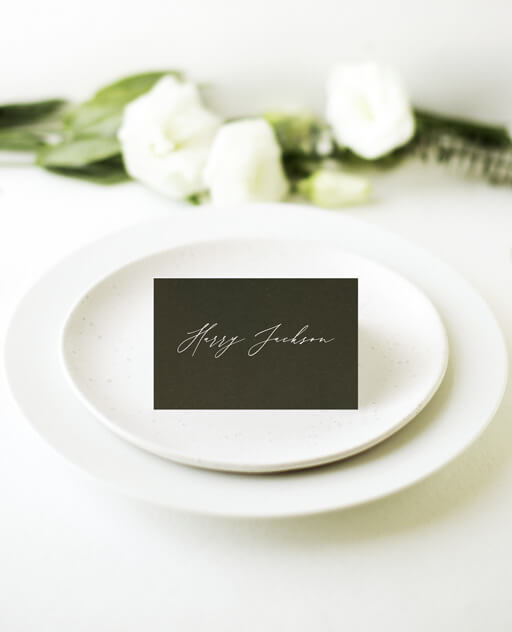
- White ink – Ideal for dark-colored card stock. Prints crisp white text or illustrations on kraft, navy, black, or other deep-colored papers.
Printing Place Cards at Home (Template Tips)
If you are going the DIY route, setting up your template correctly before you start will save a lot of wasted card stock.
Step 1: Choose your template format
- Most home printer templates use a standard 8.5″ x 11″ letter page with multiple place cards per sheet. Common layouts are 6-up (2 columns x 3 rows) or 10-up for smaller cards.
- If your place cards are a non-standard size or shape, create a custom template in Word, Google Docs, or Canva and set your document dimensions to match the finished card size.
- Always design at 300 DPI (dots per inch) if you are using design software. Lower resolution images will look blurry when printed.
Step 2: Set your margins and bleed
- Set a 0.125″ (3mm) bleed on all sides if your design extends to the edge of the card. Without bleed, you may see white edges after trimming.
- Keep all important text and design elements at least 0.125″ inside the trim line.
- Run a test print on regular paper before using your good cardstock. Check that text is centered correctly and margins look even.
Step 3: Choose the right cardstock
- Use at least 80lb cardstock (approximately 216gsm) for a card that holds its shape and does not feel flimsy. 100lb (270gsm) is a good target for a more premium feel.
- Matte cardstock is the most printer-friendly. Glossy stock can cause smearing on inkjet printers and is slippery for handwriting.
- Test one sheet before printing the full run to confirm your printer handles the stock weight without jamming.
Step 4: Customize names in batches
- Use mail merge (Word or Google Docs) to auto-populate guest names from your spreadsheet into the template. This saves you editing each card manually and ensures consistent font size and position.
- Set all names in the same font size and check that longer names do not overflow the card boundaries. Adjust font size for longer names as a batch rather than individually.
- Print in batches of 20-30 cards and allow ink to dry fully before stacking, especially on inkjet printers.
Step 5: Cut and finish
- A rotary trimmer (not scissors) gives the cleanest, straightest cut. Use a metal ruler and craft knife as a backup.
- Cut a small sample card first and check it against your template dimensions before cutting the full sheet.
- For tent cards, score the fold line lightly with a bone folder before folding to get a crisp, even crease.
How to Handle Last-Minute Seating Changes
No matter how carefully you plan, seating changes happen. Someone cancels the week before. A plus-one is added. Two guests who should not sit near each other end up at the same table. Here is how to manage it cleanly.
If you have already placed your order
- Check whether the printer offers a rush reprint or a single-card add-on. Paperlust offers a 24-hour rush print option for an additional fee, which covers last-minute changes that happen close to the wedding date.
- For a professionally printed order, contact customer support as soon as you know about the change. The closer you are to the wedding, the more urgent the timeline.
- If a reprint is not possible in time, handwrite the replacement card using a pen that matches your suite’s style. A fine-tip brush pen in black or gold will look intentional rather than makeshift.
If you are printing at home
- Keep your template file and guest list spreadsheet saved and accessible right up to the wedding day.
- Print a small buffer of 5-10 blank cards on the same stock used for the main run. You can handwrite additions on these in the same pen used for the rest of the set.
- Keep a spare set of printed cards sorted alphabetically in an envelope. If a name is misspelled during setup, having a clean replacement ready saves scrambling on the day.
For venue setup on the day
- Give your venue coordinator or a trusted person in the wedding party a printed seating chart alongside the place cards. They can resolve any card placement confusion without involving you.
- Sort your place cards alphabetically by last name before arriving at the venue. This makes placing them at the correct seats much faster.
- Consider labeling the outside of the card box by table number so venue staff can place them in batches rather than one at a time.
Calligraphy vs. Printed Place Cards: Which Looks Better?
This is one of the most common questions couples ask, and the honest answer is: both can look excellent. The difference is in the consistency and how they pair with your overall aesthetic.
Hand calligraphy
True hand calligraphy from a professional calligrapher gives each card a unique, handcrafted character. The slight variation in letterforms and the subtle impression of the nib on the paper is something no printer can fully replicate. This option suits intimate weddings (under 80 guests) where the investment per card is manageable, and formal or heritage aesthetics where the handcrafted quality signals care and craftsmanship.
The practical challenges with hand calligraphy are cost and timeline. A professional calligrapher typically charges $3-8 per card plus setup fees, and needs at least 2-3 weeks to complete a full order. Errors on individual cards require either a full replacement card or a careful correction, neither of which is always possible at the last minute.
Calligraphy-style digital printing
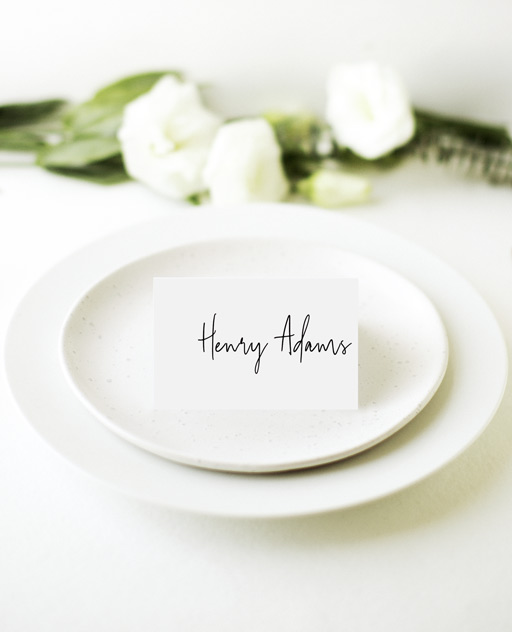
Modern digital printing using calligraphy-inspired fonts can produce results that are visually very close to hand lettering, at a fraction of the cost and on a much faster timeline. High-quality script fonts printed on textured cotton stock, letterpress, or with flat foil accents are difficult to distinguish from true calligraphy in table setting photos.
The advantage is perfect consistency across every card, easy substitution of individual names, and the ability to match your invitation suite exactly since the same design file is used across all pieces.

Which to choose
| Consider hand calligraphy when… | Consider digital printing when… |
|---|---|
| Guest count is under 80 | Guest count is over 80 |
| Handcrafted aesthetic is a priority | Suite-matching consistency is a priority |
| Budget allows $3-8+ per card | Budget is under $3 per card |
| Timeline is 3+ weeks before the wedding | Timeline is 1-2 weeks before the wedding |
| Formal, heritage, or romantic styling | Modern, minimalist, or any theme |
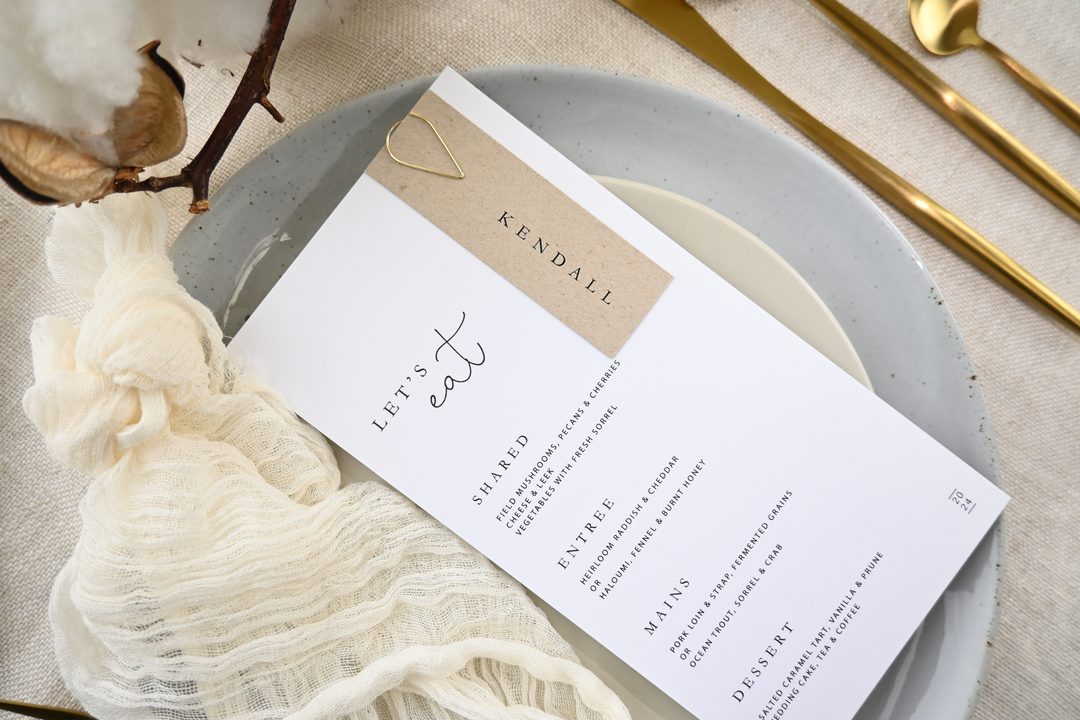
If you love the calligraphy aesthetic but are working with a large guest list or a tighter budget, consider ordering professionally printed place cards with a script or calligraphy-style font. Printed on 300gsm cotton stock with letterpress or flat foil treatment, the result is indistinguishable from hand lettering at table distance.
Frequently Asked Questions
What is the standard size for wedding place cards?
The most common size is 2″ x 3.5″ (51 x 89mm) for a flat place card, which is roughly business card sized. Tent cards, which stand upright at the place setting, are typically the same dimensions when folded, meaning the unfolded sheet is 4″ x 3.5″. Die-cut shapes vary, but most sit within a similar footprint.
How far in advance should I order place cards?
For professionally printed place cards, order at least 2-3 weeks before your wedding to allow for the designer proof, any revisions, production, and shipping. At Paperlust, the designer proof is delivered within 1-2 business days and you have two rounds of edits included. If you are cutting it close, the 24-hour rush print option is available for an additional fee.
Do place cards need to include the table number?
Only if you are using them as dual-purpose escort cards to direct guests to their tables. If you have a separate seating chart or escort card display at the entrance, the place card at each seat typically only needs the guest’s name. Including the table number on the place card as well adds a helpful backup for guests who forget where they are sitting.
How do I prevent misspelled names on printed place cards?
The most effective method is to cross-reference your name list against the original RSVP source, whether that is your wedding website responses, physical RSVP cards, or a spreadsheet your partner filled in. Before submitting your final order, read through every name in the list slowly, and ask one other person to do the same. Two sets of eyes catch errors one person will overlook.
Can I mix printed place cards with handwritten ones?
Technically yes, but the visual inconsistency is noticeable on the table. If you have a late addition after your printed order is already complete, the best option is to either handwrite using a brush pen that closely matches the font style on the printed cards, or order a single-card rush reprint if time allows.
What paper stock is best for DIY place cards?
Use at least 80lb (216gsm) cardstock for home printing. Matte cardstock in white or ivory is the most printer-friendly and takes handwritten additions well. Avoid glossy stock if you are using an inkjet printer or plan to add any handwriting, as ink does not set firmly on glossy surfaces.
How do I handle place cards for children?
Children’s place cards follow the same format as adults. Use the child’s first name only, or first and last if there are multiple children with the same name. If children have meal choices that differ from adults, you can add a small dietary symbol or code to their card in the same way you would for adult guests with dietary needs.
Is calligraphy-style digital printing as good as hand calligraphy?
For most guests at table distance, professionally printed calligraphy-style fonts on premium stock are indistinguishable from hand lettering. The difference is more noticeable on close inspection of individual letterforms. If consistency across a large guest list and suite-matching matter more to you than the hand-made character of true calligraphy, digital printing is the better choice for most couples.
How many extra place cards should I print?
Print 5-10% more than your confirmed guest count to cover late additions, misprints, and name errors that are caught during setup. For a 100-guest wedding, that means 5-10 extra cards. For printed orders, check whether you can add cards to your order before it goes to print rather than placing a separate order.
Can place cards match my invitation suite?
Yes, and they should if you want a cohesive table setting. When you order through Paperlust, a designer is assigned to your order and can match the font, color, and design elements from your invitation suite to your place cards. The 15% discount when you order three or more card types makes it cost-effective to order invitations, menus, and place cards together.
Ready to order your place cards?
Browse 500+ designer place card styles, matched to your invitation suite by a dedicated designer. Designer proof in 1-2 business days.