
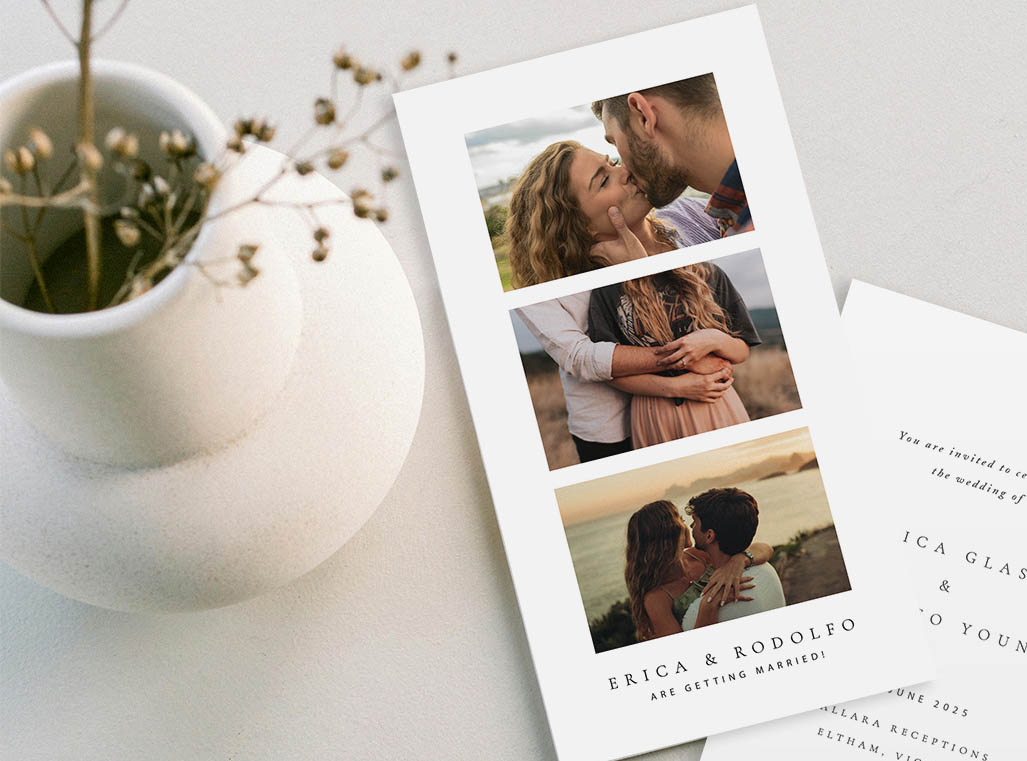
Planning a wedding is such an exciting time, but managing the budget can sometimes be a bit overwhelming. One great way to save money without sacrificing style is by diy wedding invitations by your own and using the expertise of experienced print shops to print them. Here’s a friendly guide to help you save on your wedding stationery.
Design Your Own Invitations with Templett
Templett is a super user-friendly online platform that allows you to create your own stationery with a lot of free invitation templates. Whether your style is classic, modern, or whimsical, Templett has a wide variety of templates to match your taste. The easy-to-use platform lets you choose your favourite design, drag and drop elements, add text, and voilà, your dream invitation is ready. Once finished, you can download your design and print the invitation with a trusted partner, such as Paperlust, who will bring your vision to life with their expertise in the wedding stationery printing industry. Simply upload your artwork, and the Paperlust team will take care of the rest
Downloading Your Design For Printing
Once you’ve crafted your beautiful invitation template, the next step is to download the file. Templett allows you to download your designs in both PDF and JPG formats.
Export Options:
PDF with Bleed (Recommended!): When downloading as a PDF, be sure to select the bleed option. This extra area around the design helps minimise printing errors and avoids white borders.
JPG with Bleed: Templett automatically includes the bleed when downloading as a JPG, ensuring a seamless print result.

Printing Your Invitations
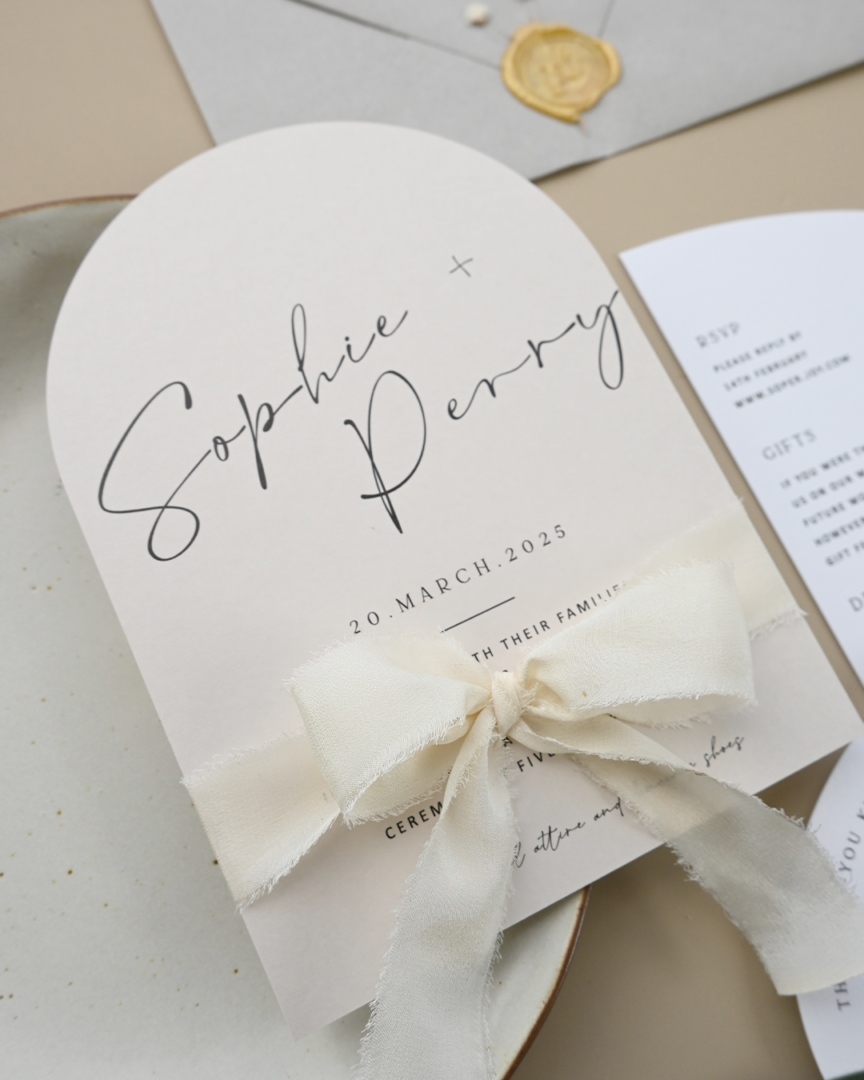
With your design ready, it’s time to bring it to life through printing. You can choose from several options: a print shop, a copy shop, or printing at home. Each of these has its pros and cons when printing the invitations. See below for the details:
Print at Home
Pros:
- Cost-effective option to save your budget with your own printer and paper.
- Print at your own pace and time.
- Have control of the printing process and can make quick adjustments or updates.
Cons:
- Limited material options for paper and print types, which can affect the print result.
- The quality is far different from that of a professional print shop.
- It’s very time-consuming to handle the printing process while arranging a wedding, which is already complicated!
Copy Shop
Pros:
- Printing the invitations at a copy shop can be cost-effective if you have a limited budget.
- Fast turnaround time.
Cons:
- The staff isn’t as knowledgeable as print shop professionals, so if you have any issues with paper, print types, etc., they are less able to help you.
- Fewer options for paper, print types, and other custom finishes such as die cuts.
- The quality is far different from that of a print shop.
Print Shop
Pros:
- Print shops use high-quality materials, ensuring perfect results.
- Extensive options for customization, from paper and print types to custom die cuts, etc.
- Expert staff to help you get the best invitations.
- Print shops will send you a design proof before proceeding to production to ensure the best result.
Cons:
- The price is expensive, but the quality is unquestionable.
- The turnaround time takes longer.
- Limited control over the printing process compared to printing at home.
Why Choose Paperlust for Printing?
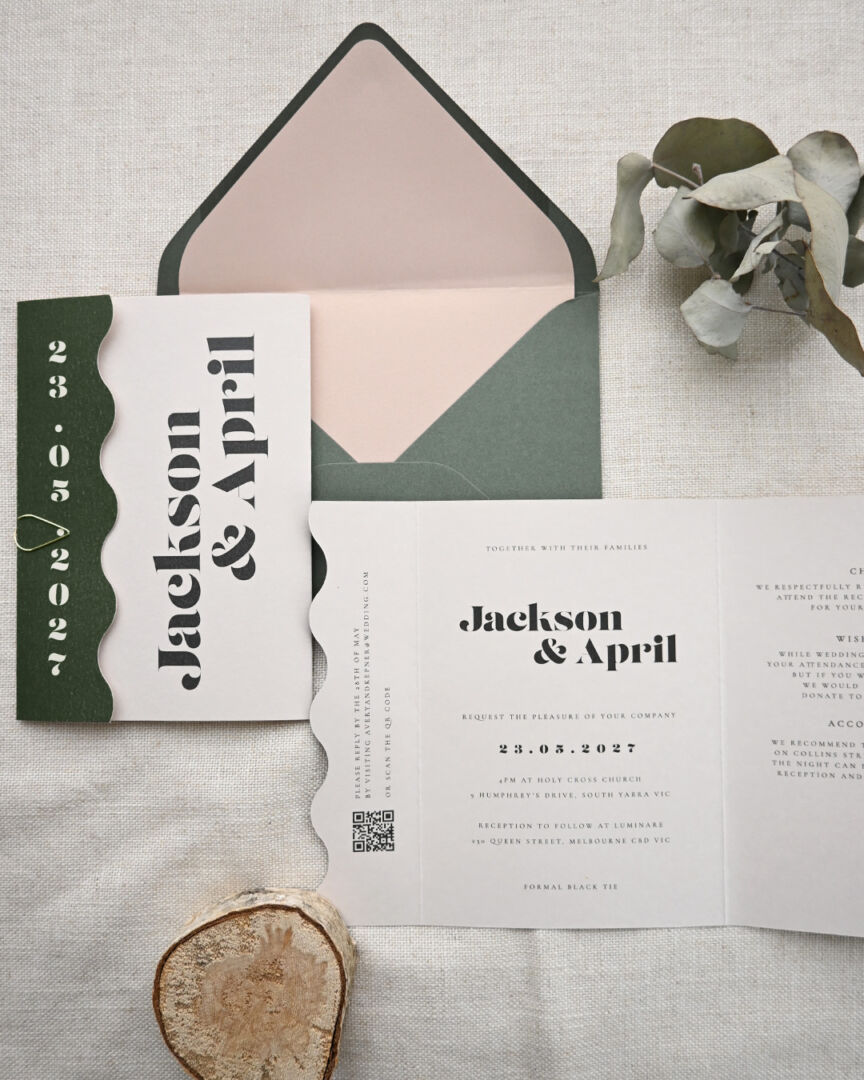
Paperlust, based in Australia, is an expert in handling wedding invitation stationery. Our print-only service is perfect for couples who have designed their invitations and are looking for professional printing. Here are some advantages of printing with Paperlust:
Advantages of Paperlust:
- Premium Quality: Paperlust uses top-quality paper and ink to ensure your invitations look stunning. You’ll also receive free premium white envelopes!
- Worldwide Shipping: We can ship globally and offer free shipping for orders over $300 USD
- Sustainability: All paper used by Paperlust is FSC certified, and they plant a tree for every order, adding value to your wedding.
- Expert Advice: Their experienced team provides advice on the best printing options for your design.
- Competitive price: Paperlust have a competitive price to print your own design starting 3.5 AUD
- Fast Turnaround: We handle the invitation printing as fast as possible without breaking the result. See our production timeline on each print types
- Customer Service: Paperlust offers responsive and reliable customer service, ensuring a smooth process.
Prepare Your Design For Paperlust Print
- Finalise Your Design: Ensure your design is finished and downloaded in PDF and JPG formats with the bleed option.
- Request a Quote: Fill out the form on Paperlust’s website to get a quote, and upload your design file.
- Accept the Quote: Within two days, Paperlust’s team will send you a quote for printing. Accept the quote to proceed.
- Design Proof: Once you pay the invoice, Paperlust team will send you a design proof for review before moving to production.
By designing your own invitations on Templett and printing them at a professional print shop, you can create stunning, personalised wedding invitations with exceptional results. Don’t worry about the cost; you can choose a print shop with competitive prices, such as Paperlust.
Choosing the Right Paper Stock for Your Templett Design
One of the biggest advantages of printing your Templett design through a professional service like Paperlust is access to premium paper stocks that home printers simply can’t handle. Here’s how to choose the right stock for your design.
Digital print on smooth matte: The most affordable option and ideal for designs with fine detail, photography, or gradients. Smooth matte stock produces crisp, clean results with accurate color reproduction – perfect for Templett designs that rely on intricate florals or watercolor effects.
Textured stock: For a premium feel without the premium price of letterpress, a lightly textured stock adds tactile quality to any design. Works especially well with script-heavy Templett templates.
Kraft paper: If your Templett design has earthy, rustic tones – terracotta, warm green, or brown – printing on kraft paper creates a cohesive, natural look. Note that light colors and white text will print differently on kraft, so preview your design carefully.
Cotton and specialty stocks: For couples who want something truly special, Paperlust can print your custom design on cotton paper or other premium stocks. Request a $5 sample pack to see how your colors translate before committing to your full print run. Explore the full range of wedding invitation paper options when uploading your Templett design.
Common File Preparation Mistakes to Avoid
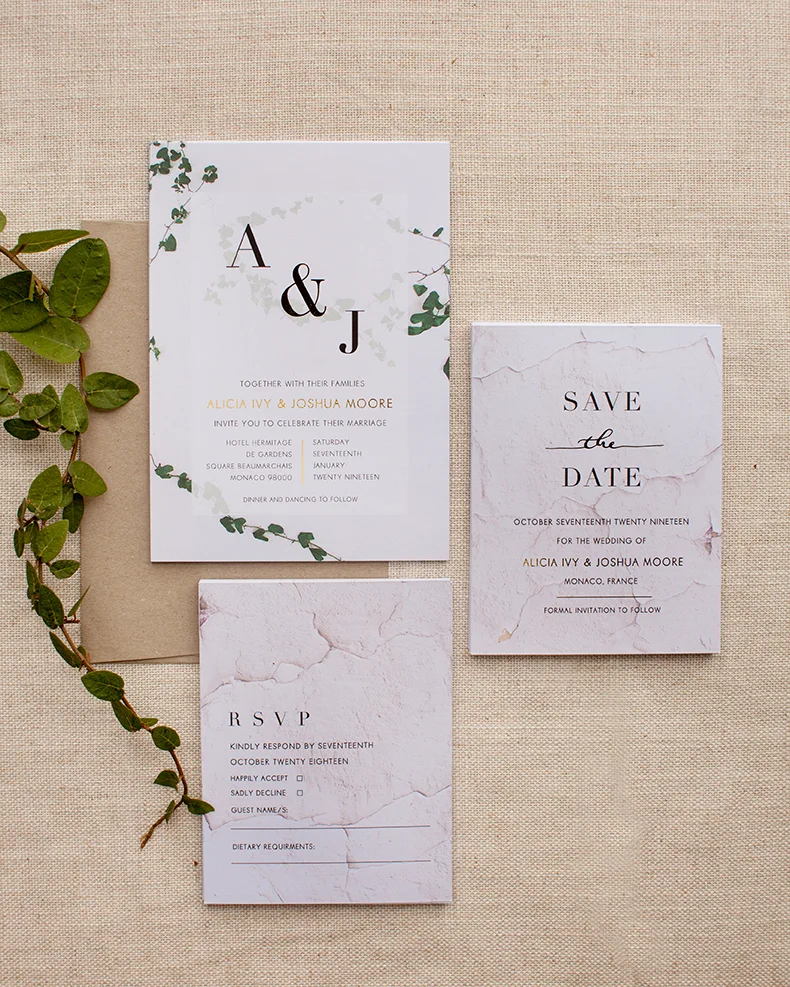
Even with a perfectly designed Templett file, small prep mistakes can affect the final print. Here’s what to watch out for.
Forgetting the bleed: As mentioned above, always export with bleed enabled. Without bleed, your printed cards may have thin white borders around the edges. Even a 3mm bleed can make the difference between a professional result and a DIY-looking one.
Screen vs. print color: RGB colors look vibrant on screen but print differently than CMYK. Deep saturated blues and vibrant reds are particularly prone to shifting. If your design has specific brand or theme colors, request a proof before printing your full run. Paperlust’s designer proofs are delivered within 1 to 2 business days.
Resolution: Export your Templett file at 300 DPI minimum for print. Lower resolutions look fine on screen but will print with visible pixelation, especially on script text and fine-line details.
Font embedding: When exporting as PDF, ensure all fonts are embedded in the file. Missing fonts can cause text to reflow or display incorrectly. Templett’s PDF export handles this automatically, but it’s worth confirming if you’re making any adjustments outside the platform.
What Paperlust Does with Your Uploaded Design
When you upload your Templett file to Paperlust’s print-my-own-design service, here’s what happens behind the scenes.
First, a Paperlust team member reviews your file for print readiness – checking bleed, resolution, color mode, and any potential issues. If something needs attention, they’ll contact you before printing rather than proceeding with a suboptimal file. This pre-press review is included in the service.
A digital proof is then prepared and sent to you for approval, typically within 1 to 2 business days. Review it carefully – check for typos, confirm the margins look balanced, and verify that no important text is too close to the edge. Once you approve, your invitations go to press.
Two rounds of edits are included. If the proof reveals an issue with the file – a color that printed differently than expected, a margin that needs adjustment – the team can address it before the final run.
Completing Your Invitation Suite
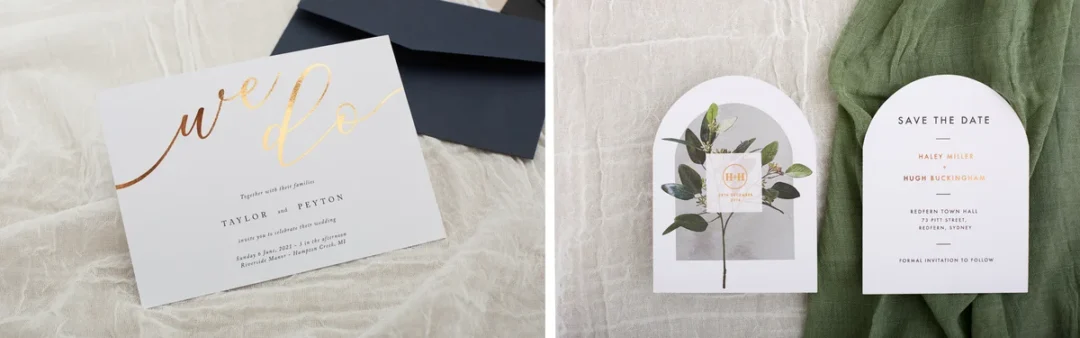
Most Templett purchases include multiple templates – invitation card, RSVP card, information card, envelope liner, and sometimes save the dates. Printing the complete suite through a single provider ensures color consistency across every piece.
For extra finishing touches that make the whole suite feel cohesive, custom envelope seal stickers from Paperlust Print Shop – printed with your monogram, wedding date, or a design element from your Templett template – are an easy, affordable addition. They’re a small detail that guests notice. Wedding invitations start from $2.04 per card, and save the dates from $1 per card, making a complete printed suite achievable on most budgets. Browse the full collection of printed wedding invitations if you’d prefer a design that comes pre-built rather than template-based.
Frequently Asked Questions
Can I print my Templett invitation at a print shop?
Yes – Paperlust’s print-my-own-design service accepts uploaded Templett files. Always export with bleed enabled and at 300 DPI minimum for best results.
What file format should I use?
PDF with bleed selected is the recommended export format. JPG works too – Templett includes bleed automatically. PDF preserves vector sharpness and embedded fonts better for complex layouts.
How do I get a proof before printing?
Upload to Paperlust’s print-my-own-design service and a digital proof is prepared within 1 to 2 business days. Two rounds of edits included. Production starts only after you approve.
Why do my colors look different when printed?
Screen colors use RGB mode; print uses CMYK. Deep blues, vibrant reds, and neons are most prone to shifting. Request a physical proof before your full run if color accuracy is critical.